CPU संगतता
Indian Rummy APK में “नहीं matching ABIs” error: 32-bit और 64-bit कैसे समझें?
APK में native code किसी ऐसी processor architecture के लिए हो सकता है जिसे फ़ोन का एंड्रॉयड runtime load नहीं कर सकता।
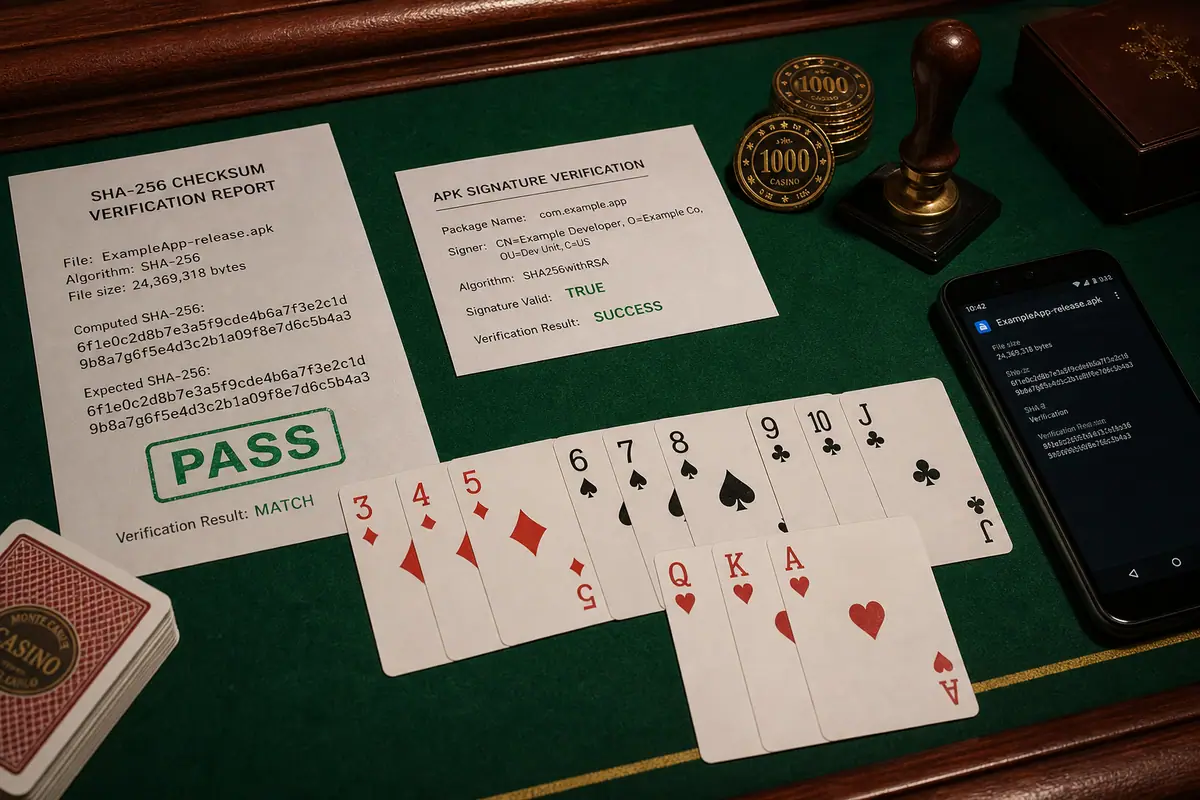
सीधा जवाब: “नहीं matching ABIs” का मतलब APK की native libraries में फ़ोन के एंड्रॉयड runtime के compatible architecture का build नहीं है। Exact error, डिवाइस model और एंड्रॉयड build record करें, फिर publisher का सही the architecture से the exact फ़ाइल you verify, x86 या universal variant लें। Random APK files को rename, merge या patch न करें।
ABI labels आसान भाषा में
| ABI label | सामान्य अर्थ | User check |
|---|---|---|
| the unverified CPU architecture-v8a | 64-bit ARM native code | Modern एंड्रॉयड फ़ोन में common |
| armeabi-v7a | 32-bit ARM native code | Older या 32-bit एंड्रॉयड builds |
| x86 / x86_64 | Intel-compatible code | Emulator या limited डिवाइस |
| universal | कई ABIs शामिल हो सकती हैं | Publisher metadata से confirm करें |
Hardware और एंड्रॉयड build अलग हैं
फ़ोन में 64-bit-capable processor हो सकता है, लेकिन उस पर 32-bit एंड्रॉयड userspace चल रहा हो—खासकर कुछ older या low-memory models में। केवल chipset marketing page पढ़ना पर्याप्त नहीं। Exact डिवाइस model, आधिकारिक system info और publisher की supported-architecture list साथ compare करें।
Diagnostic order
- Full installer error और APK filename save करें।
- Exact फ़ोन model, एंड्रॉयड वर्ज़न और build number check करें।
- Publisher page पर इस फ़ाइल का ABI variant पढ़ें।
- Architecture के साथ पैकेज, वर्ज़न, सिग्नेचर continuity और चेकसम भी compare करें।
- डिवाइस के लिए supported build publish न हो तो modified copy इंस्टॉल न करें।
इन errors से confuse न करें
| Symptom | More likely issue |
|---|---|
| “पैकेज appears invalid” | Incomplete, corrupt या wrong format |
| Update के बाद “ऐप नहीं installed” | सिग्नेचर, पैकेज, storage या policy conflict |
| इंस्टॉल होता है, ऐप तुरंत बंद | Runtime, WebView, graphics या डिवाइस issue |
| डाउनलोड .aab है | ऐप Bundle normal direct APK नहीं |
Random “universal” मिरर सुरक्षित क्यों नहीं?
Third party किसी भी फ़ाइल को “universal” label कर सकती है। Label contents, signer या publisher relationship prove नहीं करता। Repacked build update continuity भी तोड़ सकता है। Exact publisher रूट, stated ABI सपोर्ट और independently verifiable चेकसम को preference दें।
सपोर्ट को क्या जानकारी दें?
फ़ोन model, एंड्रॉयड वर्ज़न, build number, installer error, expected APK वर्ज़न और आधिकारिक डाउनलोड page का architecture label दें। OTP, password, डिवाइस unlock code या payment details न भेजें। Legitimate संगतता सपोर्ट को remote control की जरूरत नहीं होनी चाहिए।
सोर्स
एंड्रॉयड Developers का 64-bit guidance native architectures और 64-bit सपोर्ट समझाता है। Particular डिवाइस के लिए कौन-सा build supported है, यह ऐप publisher को साफ बताना चाहिए।