Update repair
Rummy ऐप update failed: reinstall से पहले एंड्रॉयड checks
Update errors aksar पैकेज mismatch, storage block, incomplete APK या एंड्रॉयड-वर्ज़न gap dikhate hain. Recovery सबूत के bina reinstall karna login problem bana sakta hai.
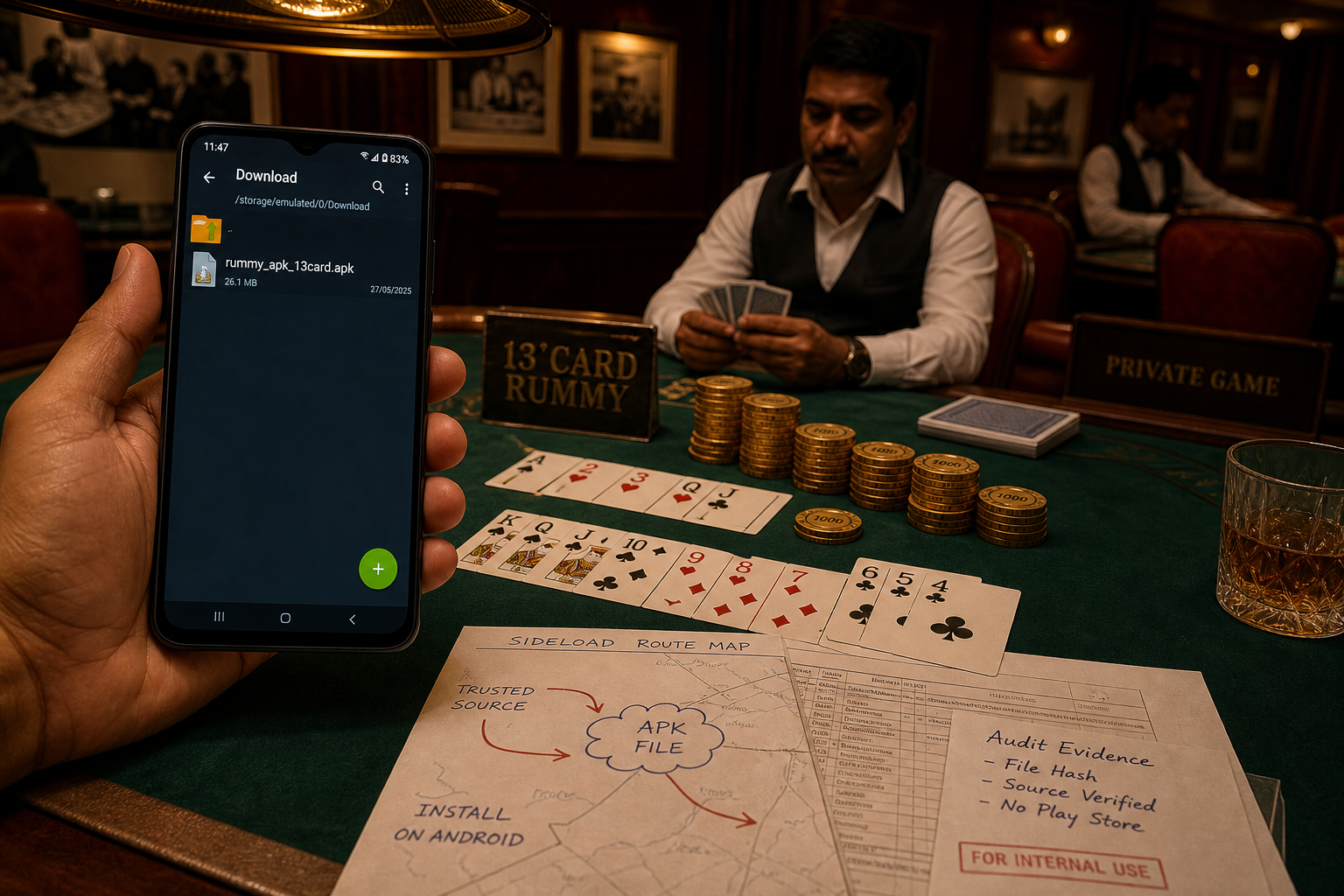
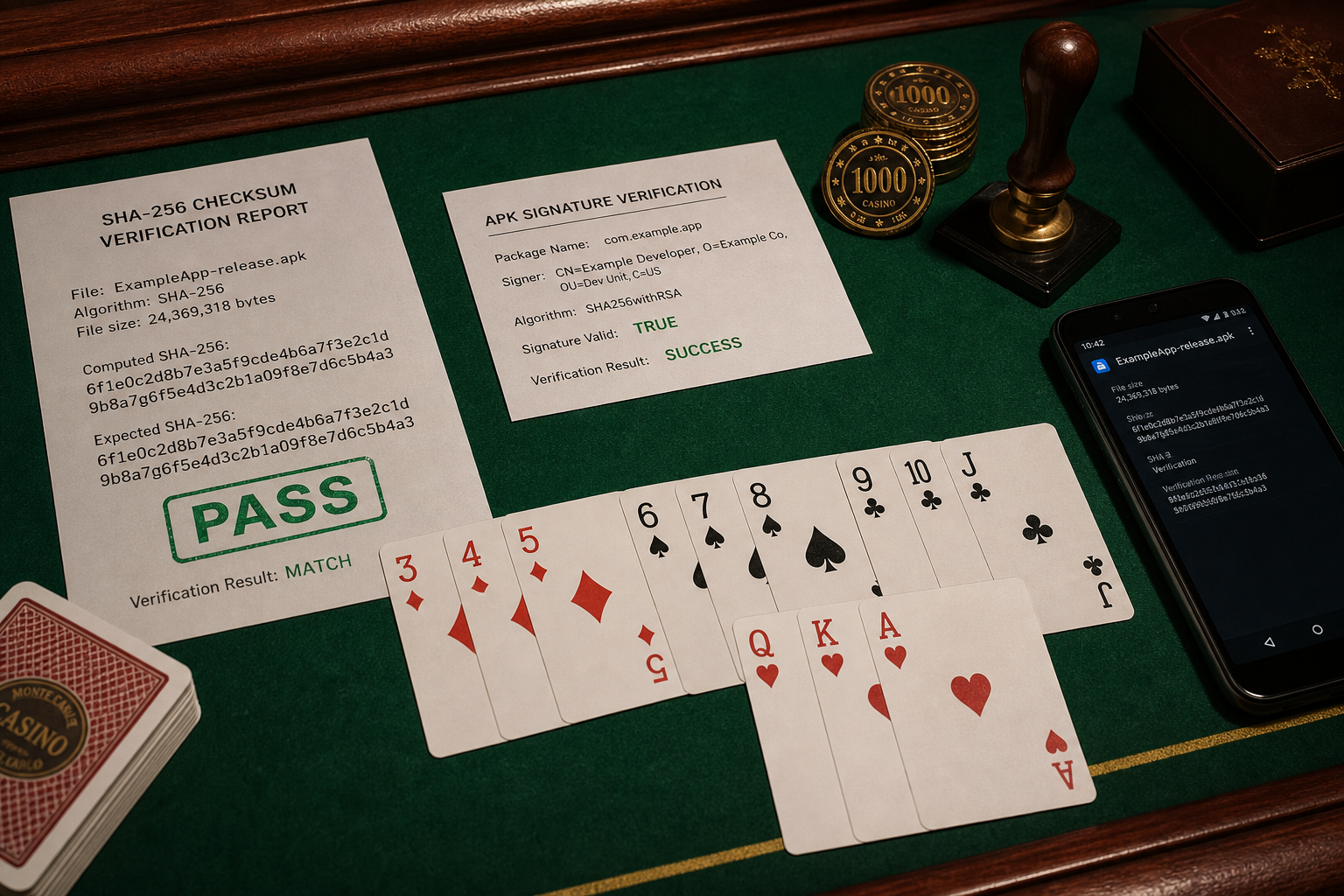
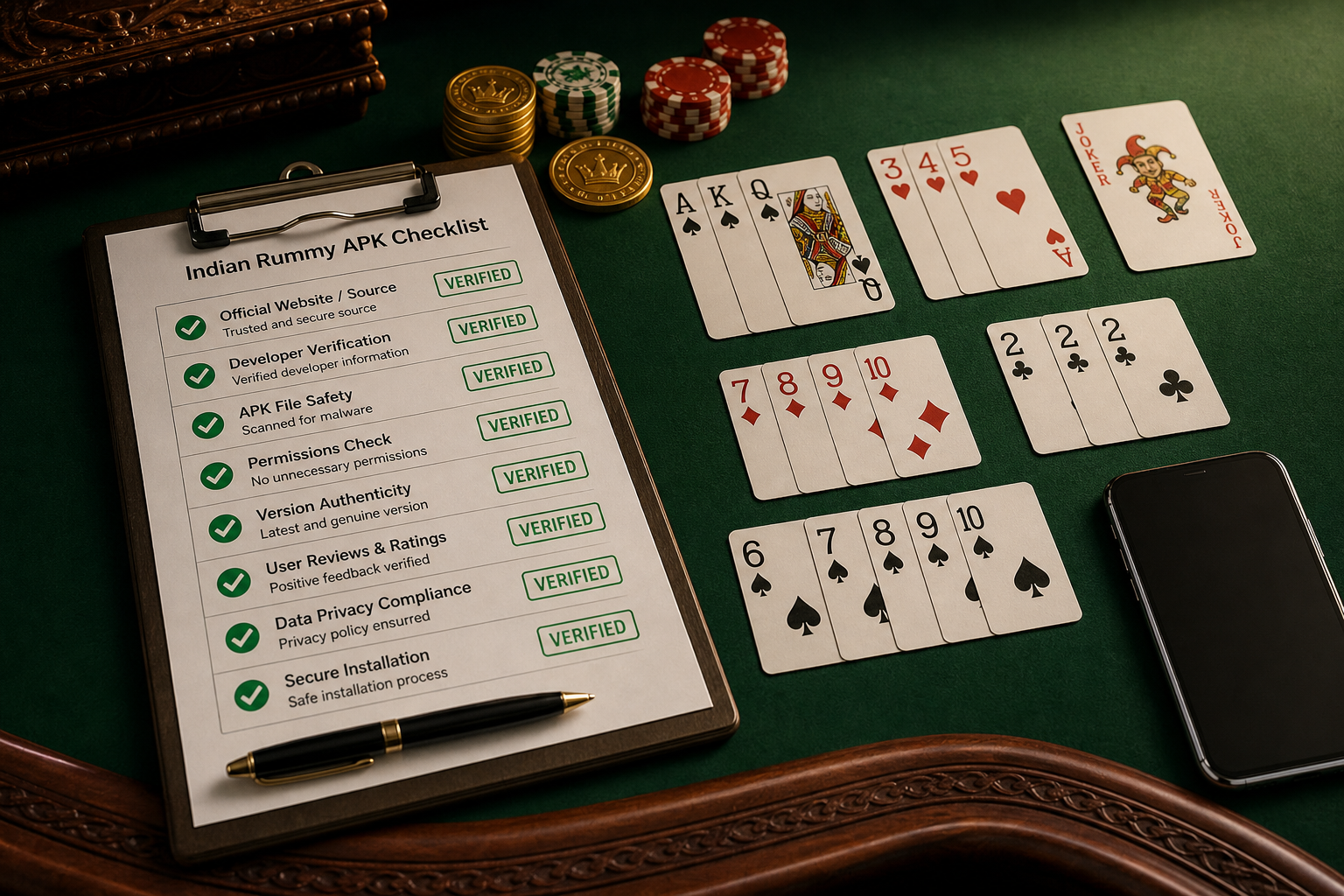
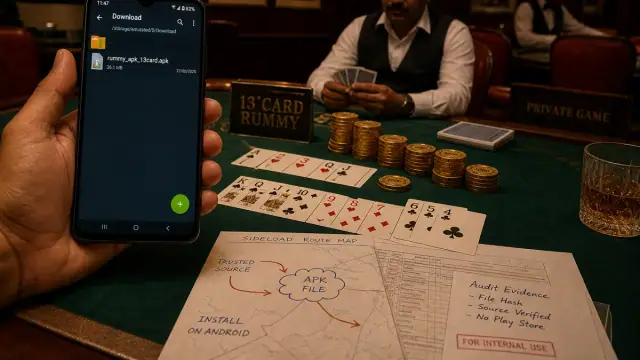
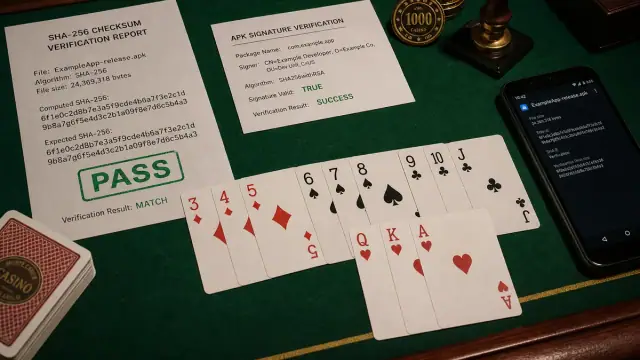
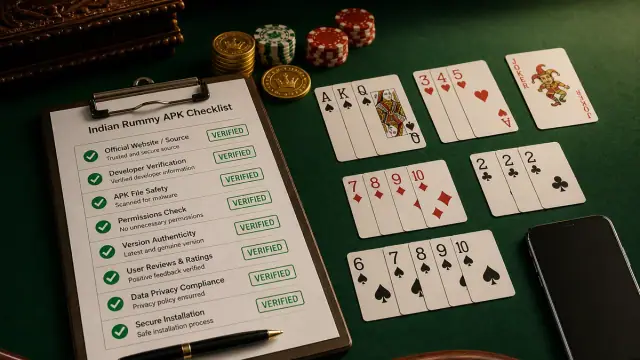
Seedha jawab: Failed Rummy ऐप update के liye duplicate APK copies delete करें, सोर्स रूट verify करें, free storage और एंड्रॉयड वर्ज़न check करें, फिर uninstall से पहले पैकेज name/सिग्नेचर behavior compare करें.
Update failure map
- Parse error: incomplete या incompatible फ़ाइल.
- ऐप नहीं installed: सिग्नेचर conflict, low storage या blocked installer.
- Update required loop: old build cache या wrong डाउनलोड रूट.
- Login missing बाद में reinstall: recovery details पहले save नहीं kiye gaye.
सुरक्षित retry
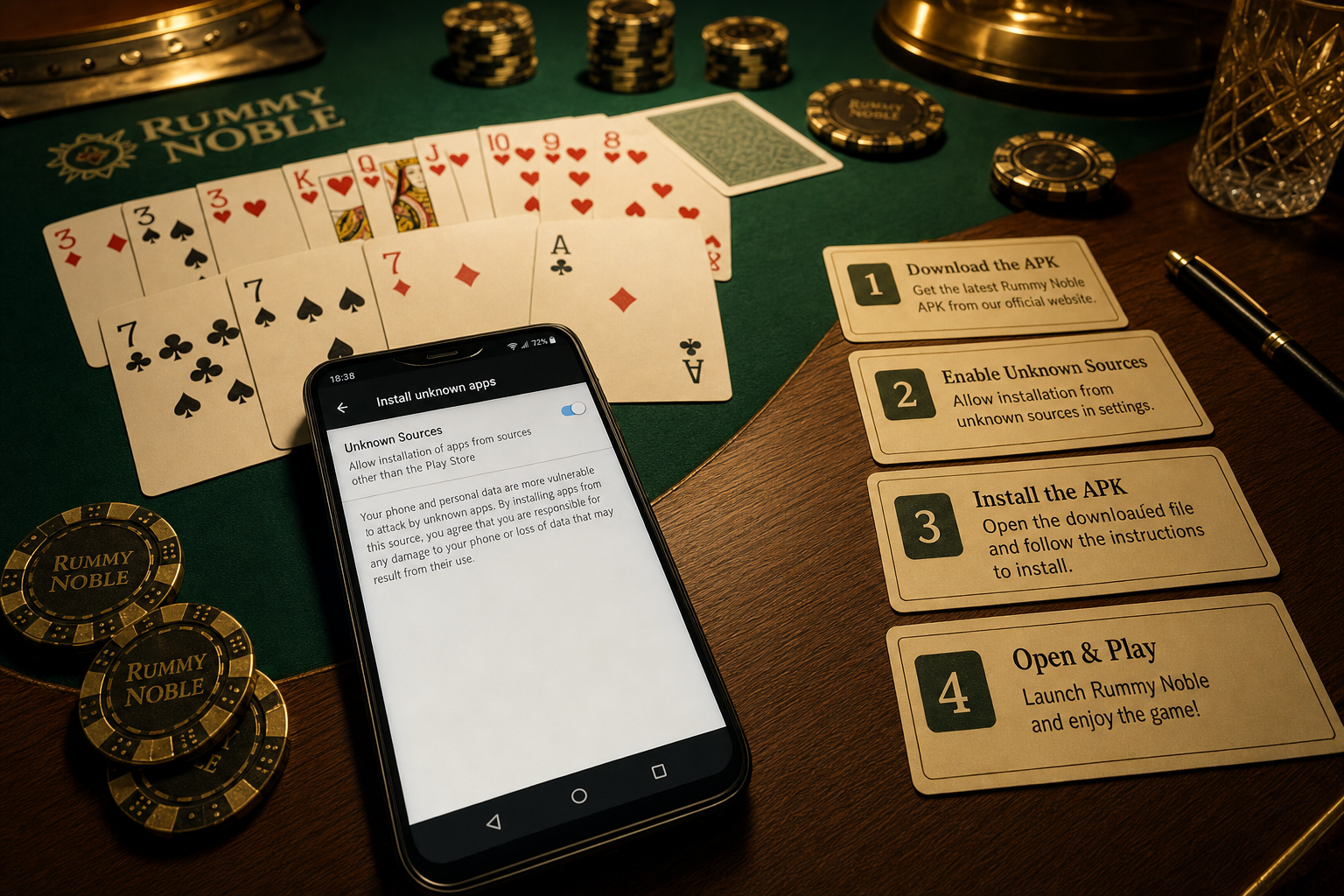
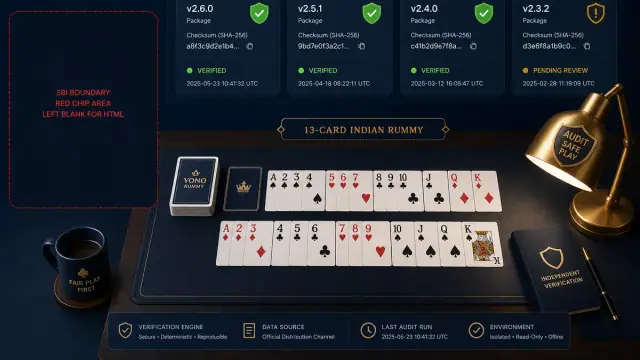
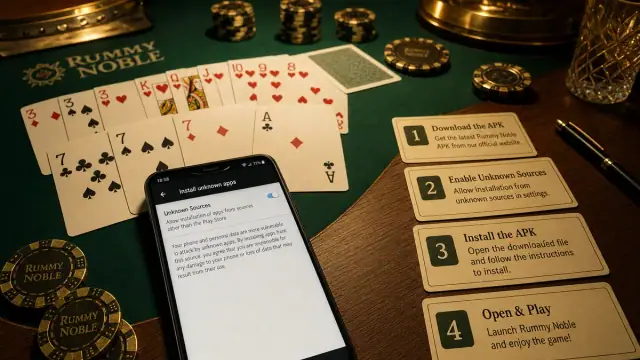
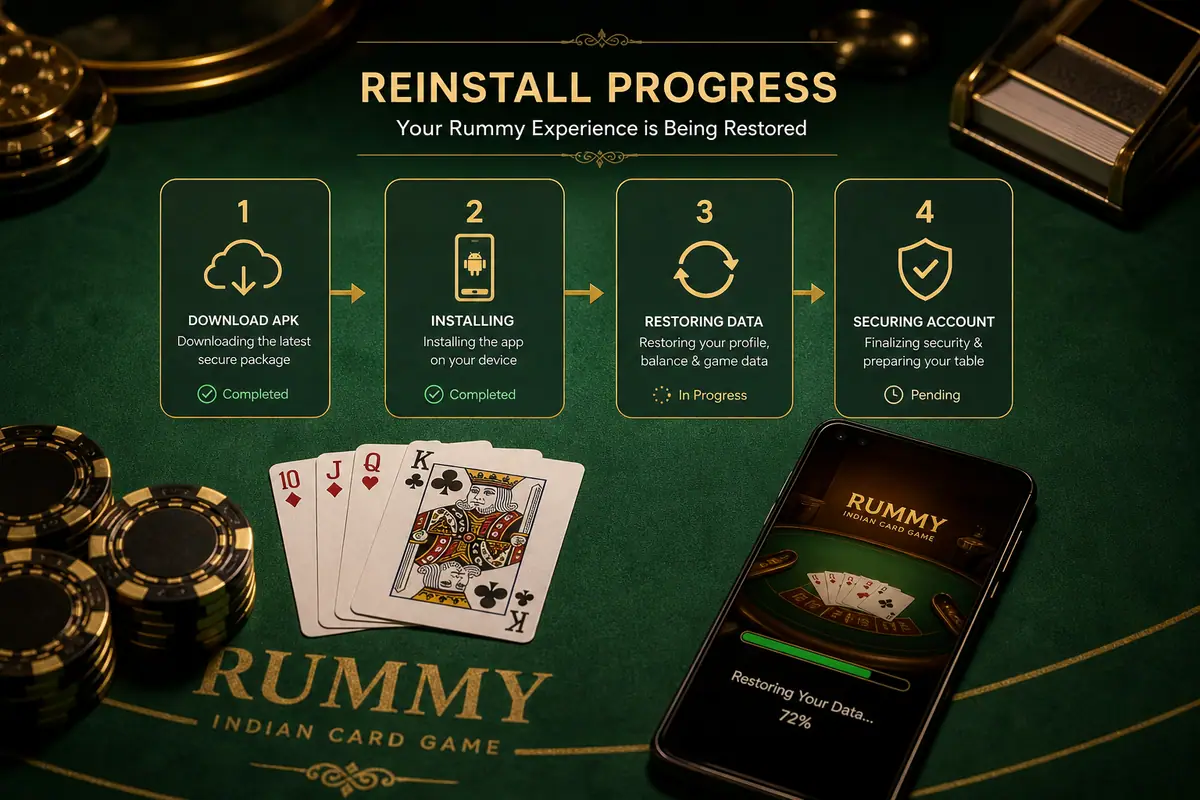
ऐप close करें, old APK files remove करें, फ़ोन ek baar restart करें, publisher-सबूत check से डाउनलोड करें और एंड्रॉयड Files से इंस्टॉल करें. Old वर्ज़न, error message और new फ़ाइल details के screenshots rakhein.
सपोर्ट सबूत
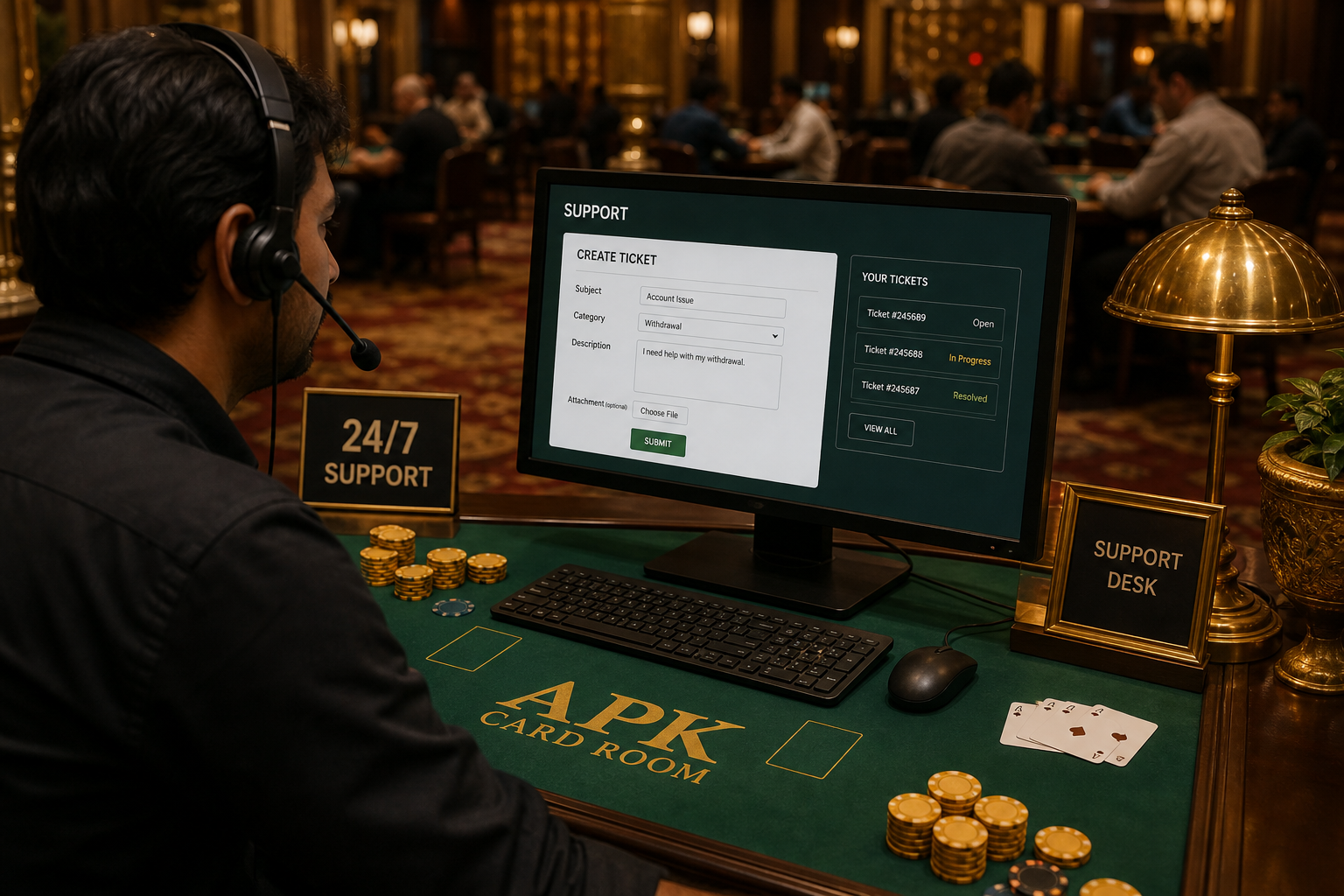
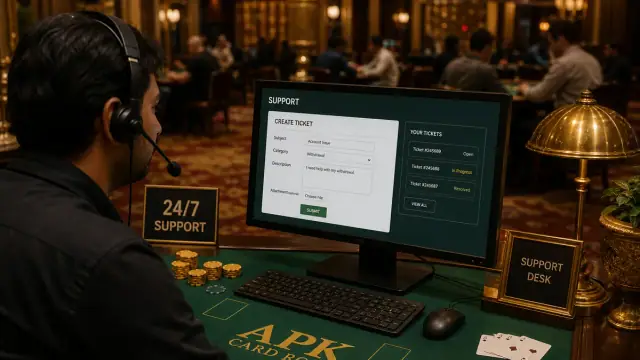
Update fir bhi fail हो को सपोर्ट को डिवाइस model, एंड्रॉयड वर्ज़न, ऐप वर्ज़न, फ़ाइल size, error screenshot और डाउनलोड timestamp bhejein. OTP या payment credentials kabhi na bhejein.