Update repair
Rummy app update failed: Android checks before reinstall
Update errors usually point to a package mismatch, storage block, incomplete APK or Android-version gap. Reinstalling without recovery evidence can create a login problem.
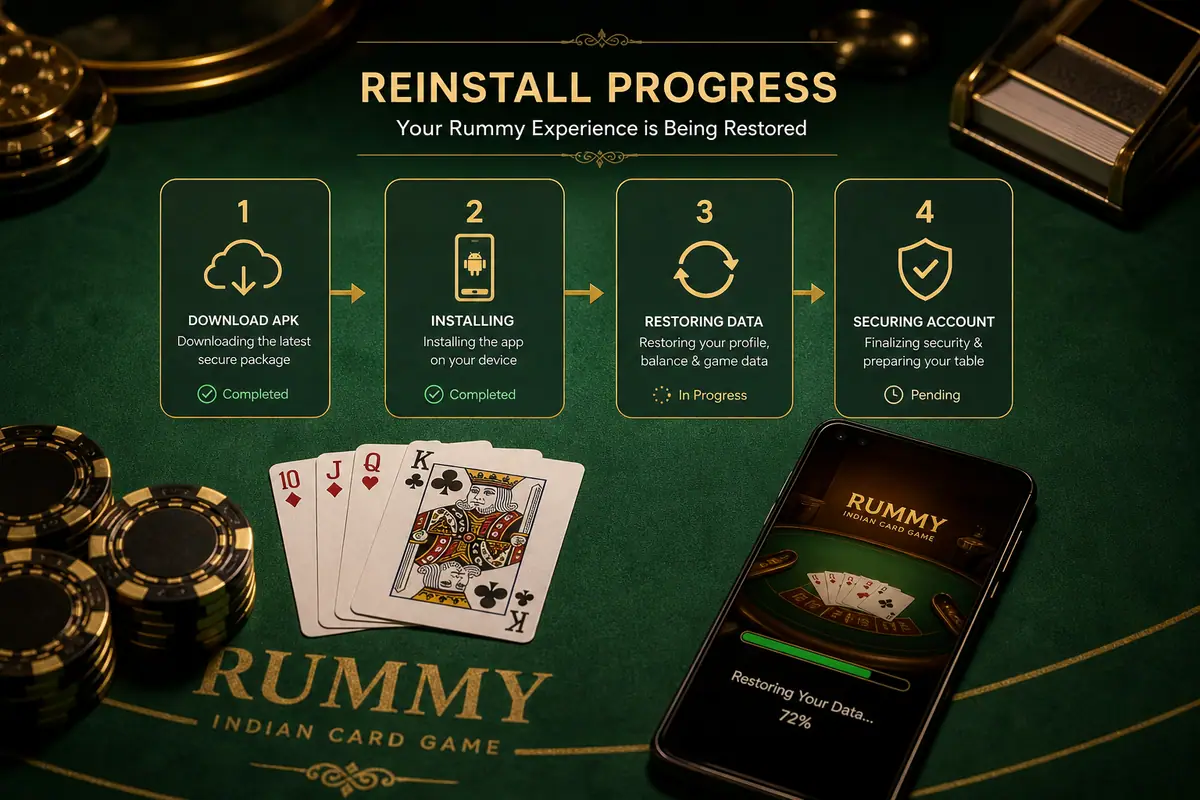
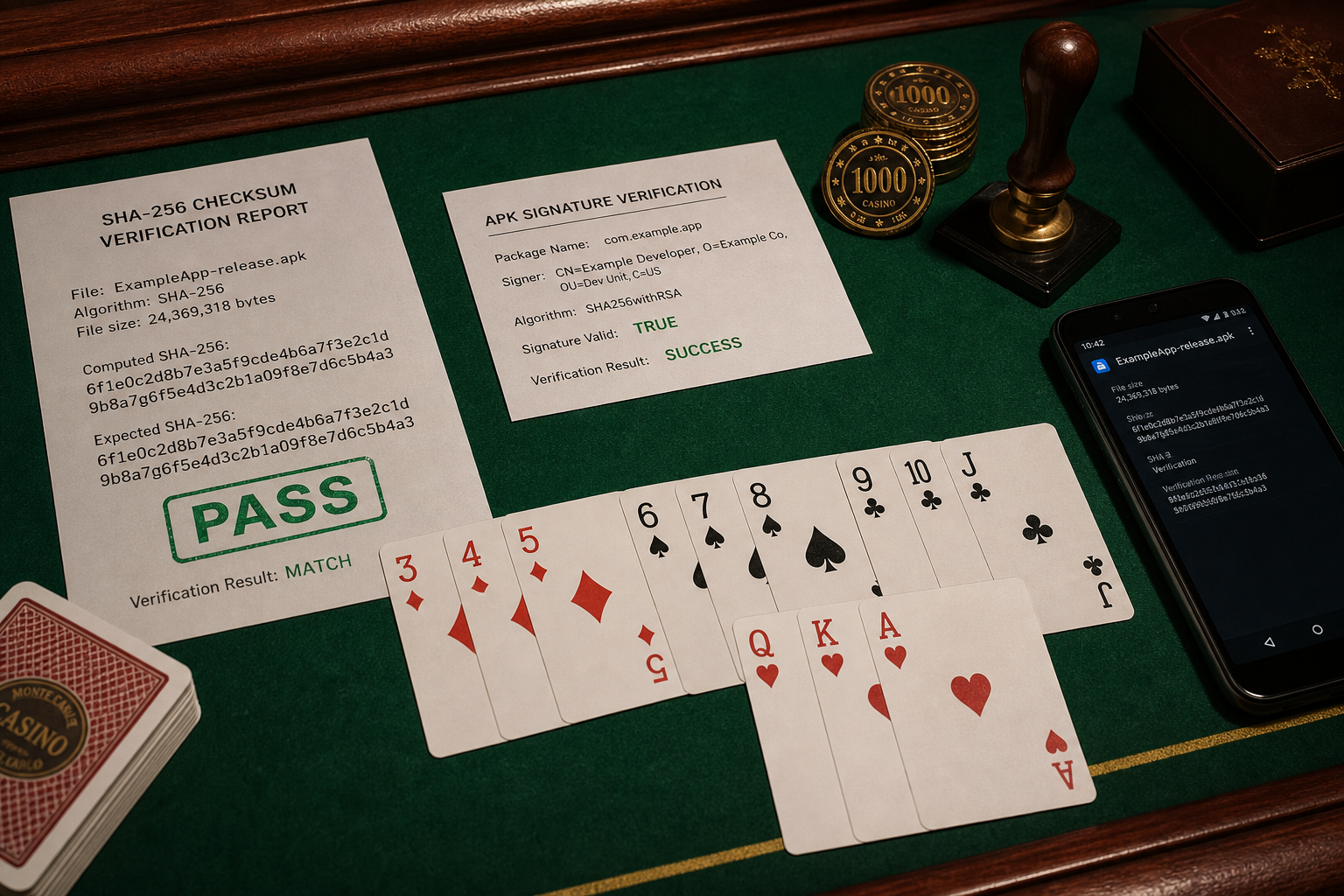
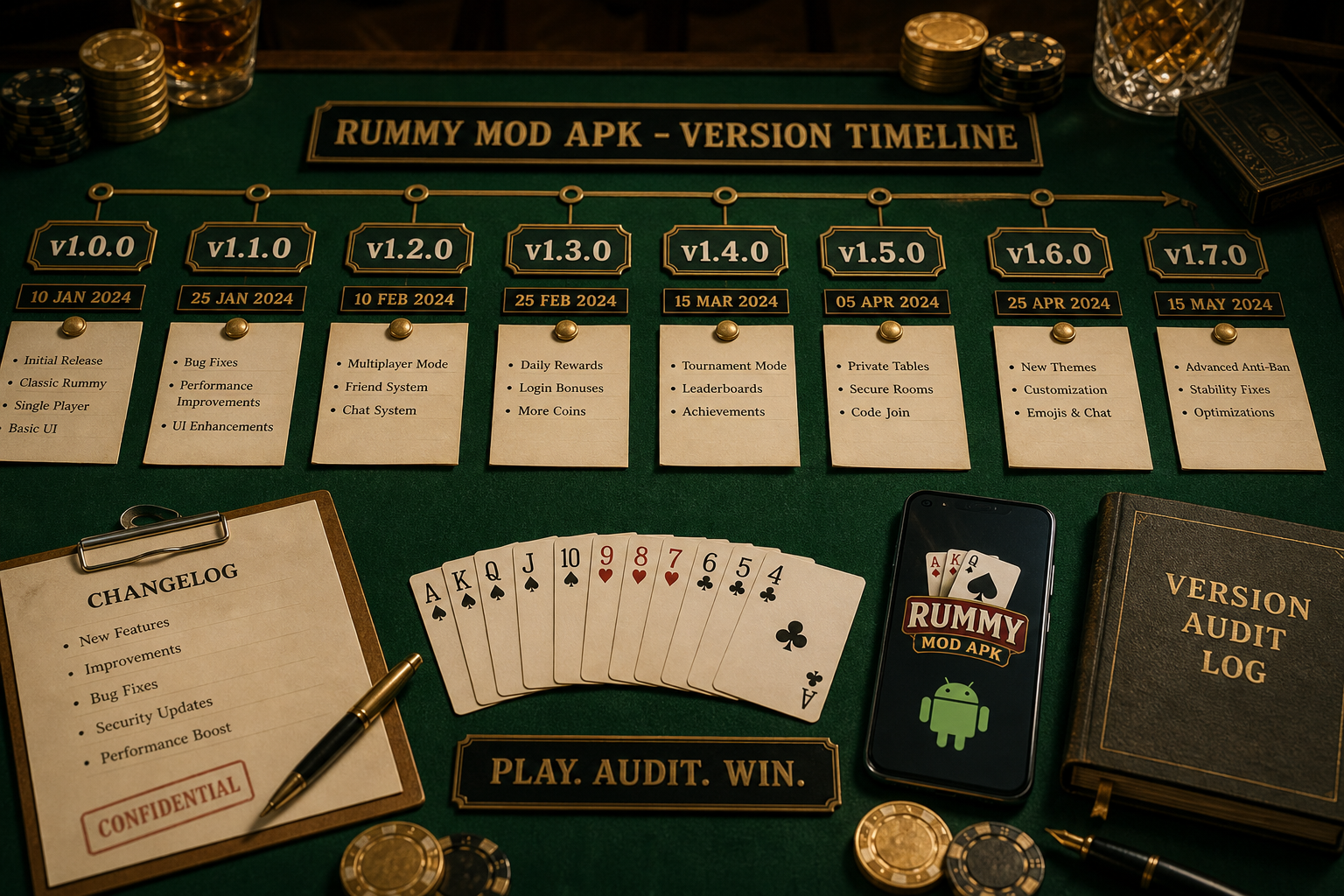
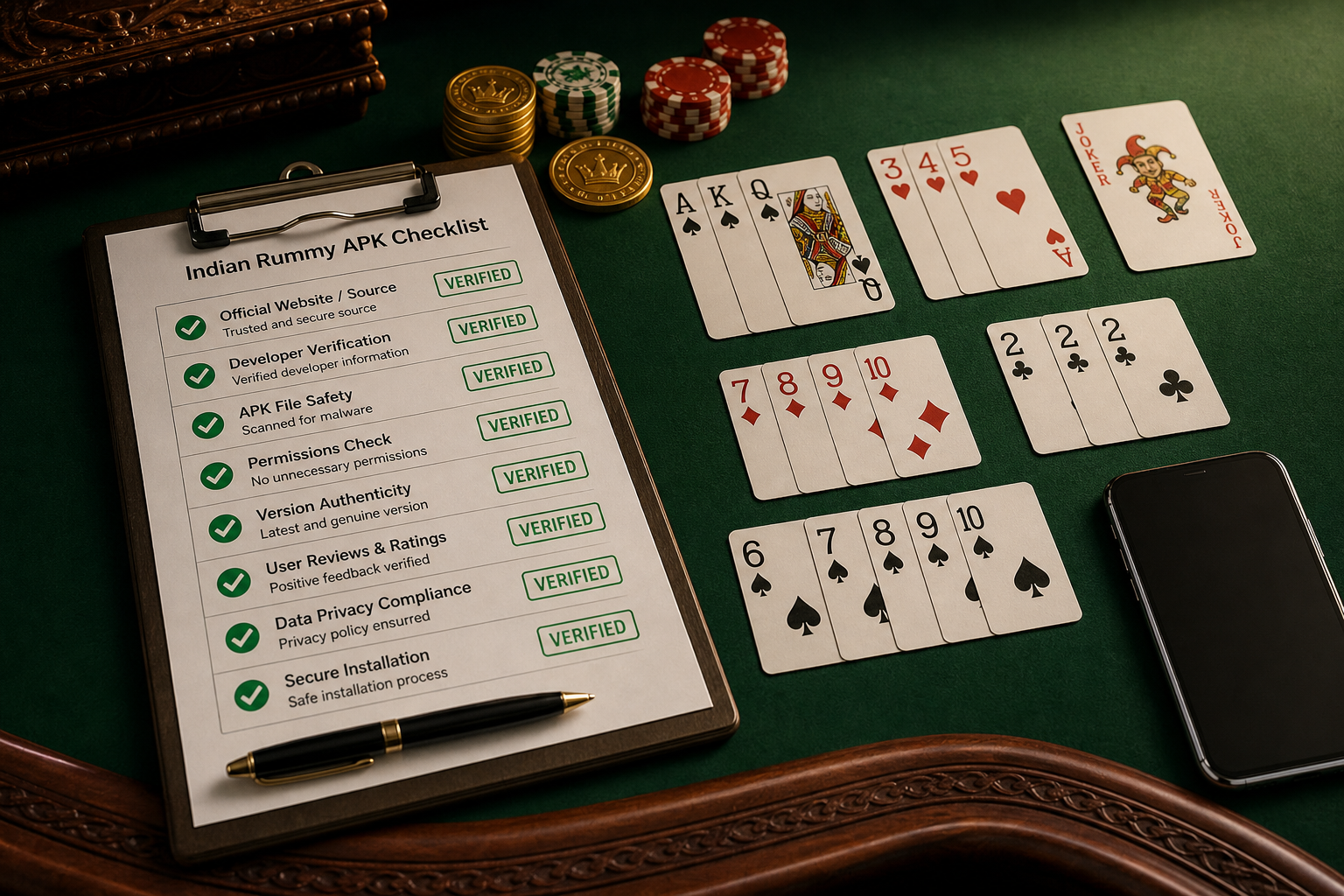
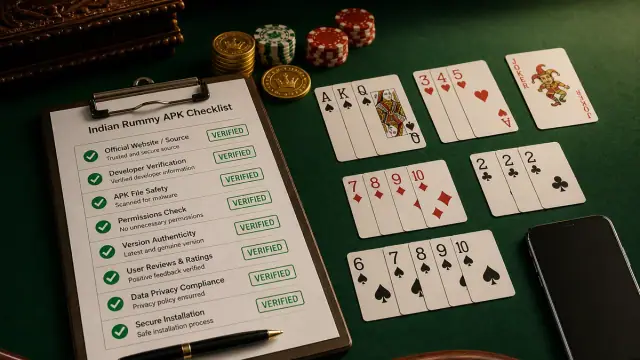
Direct answer: For a failed Rummy app update, delete duplicate APK copies, verify the source route, check free storage and Android version, then compare package name and signature behavior before uninstalling.
Update failure map
- Parse error: incomplete or incompatible file.
- App not installed: signature conflict, low storage or blocked installer.
- Update required loop: old build cache or wrong download route.
- Login missing after reinstall: recovery details were not saved first.
Safe retry
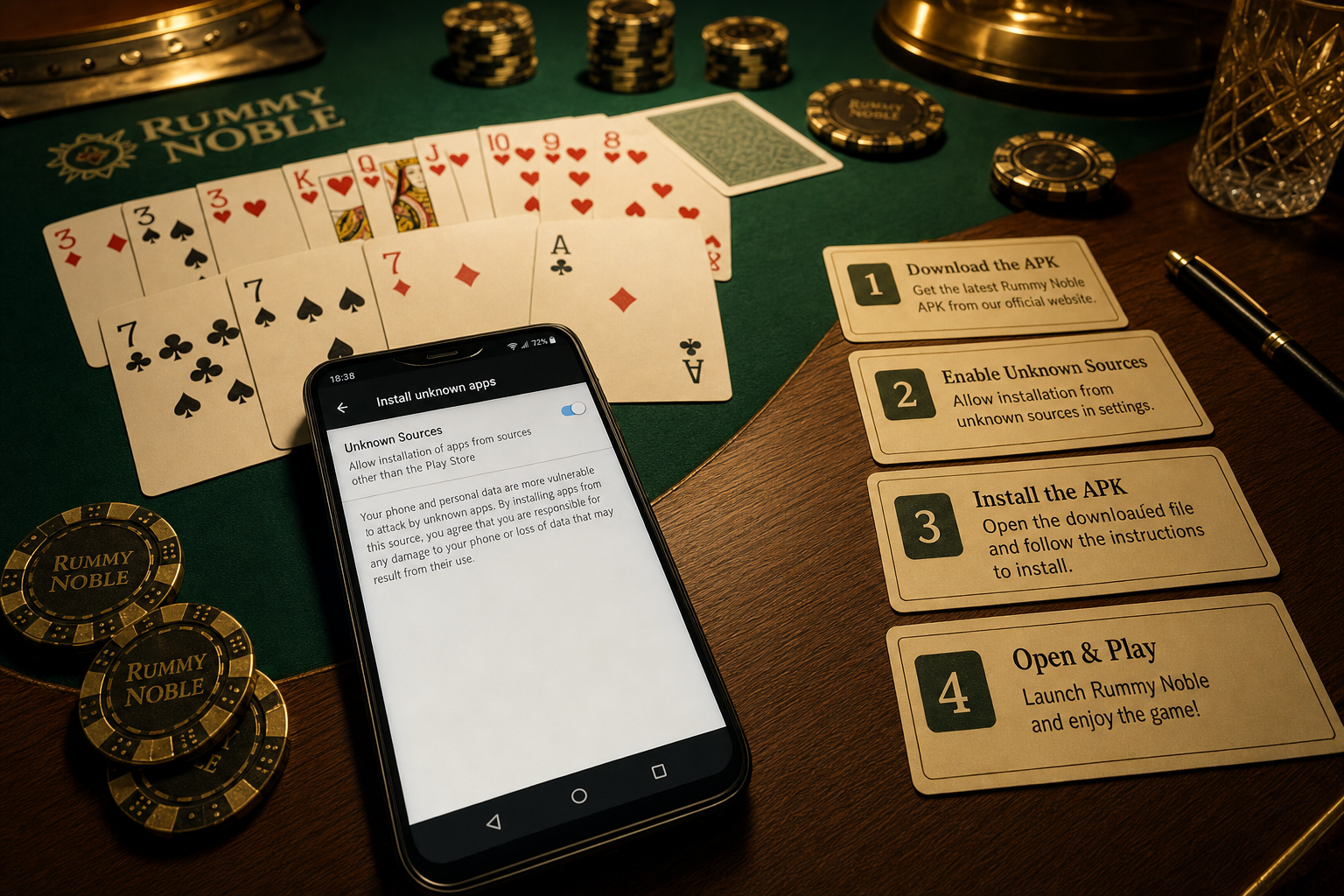
Close the app, remove old APK files, restart the phone once, download from the publisher-evidence check, and install from Android Files. Keep screenshots of the old version, error message and new file details.
Support evidence
If the update still fails, send support the device model, Android version, app version, file size, error screenshot and download timestamp. Do not send OTP or payment credentials.