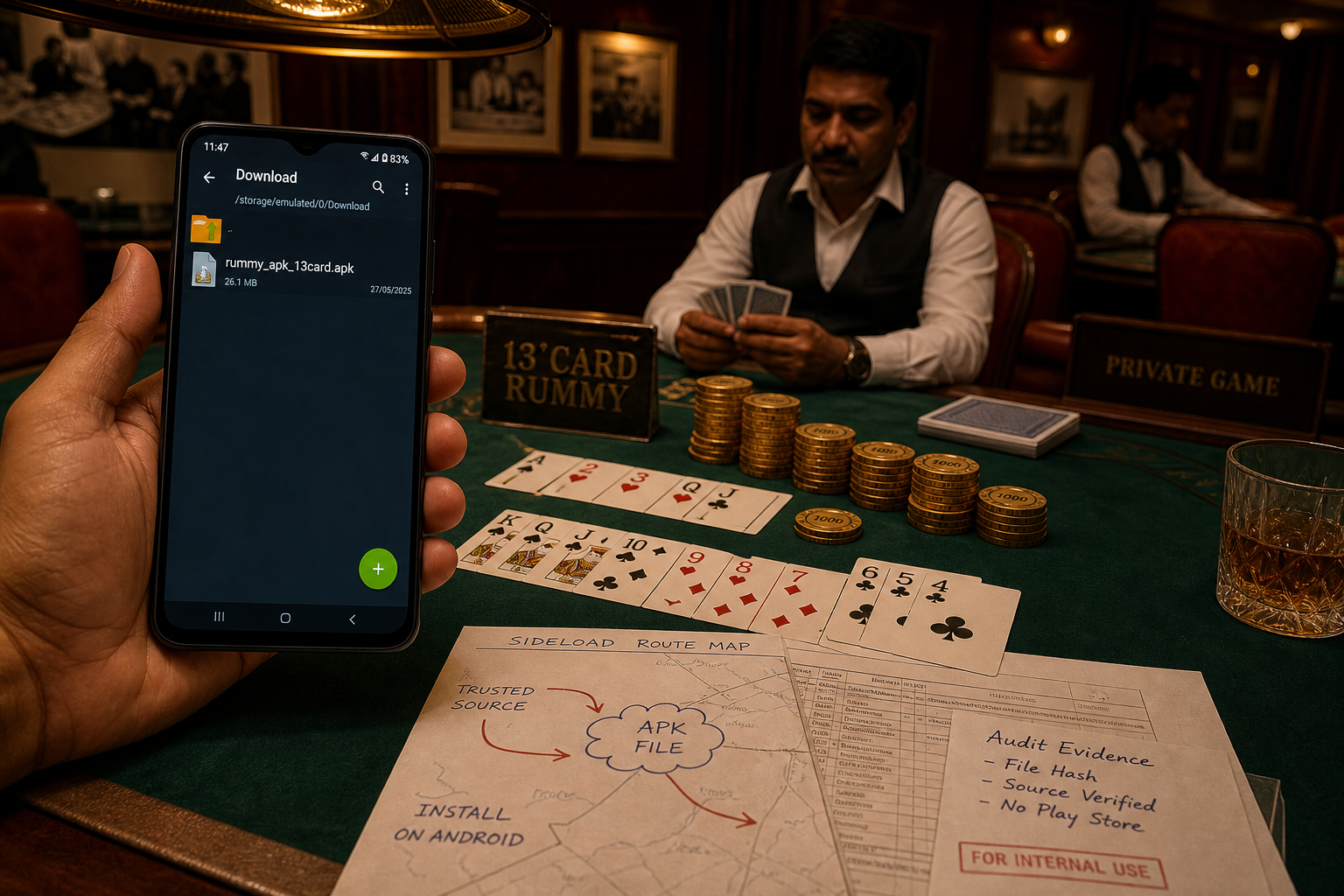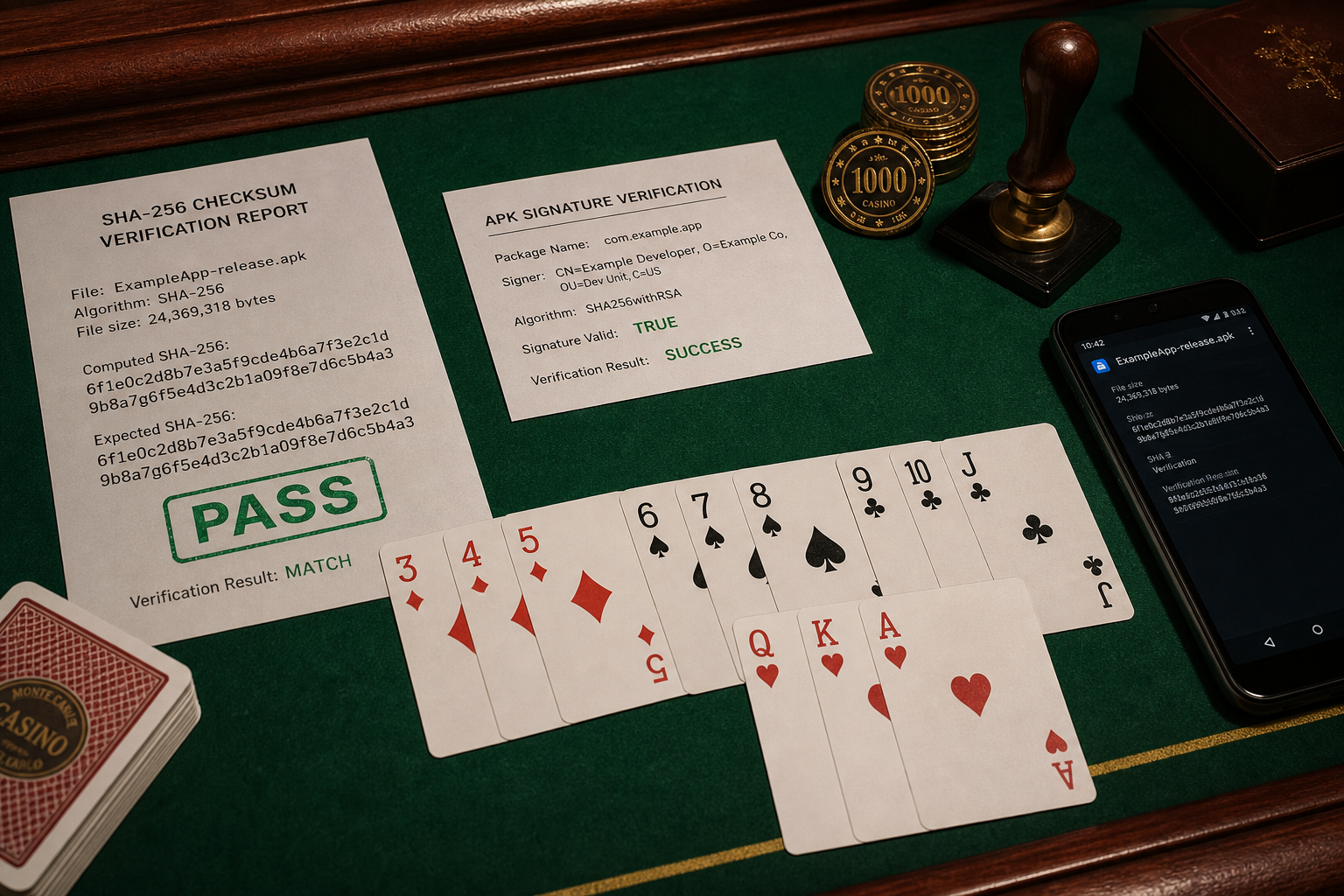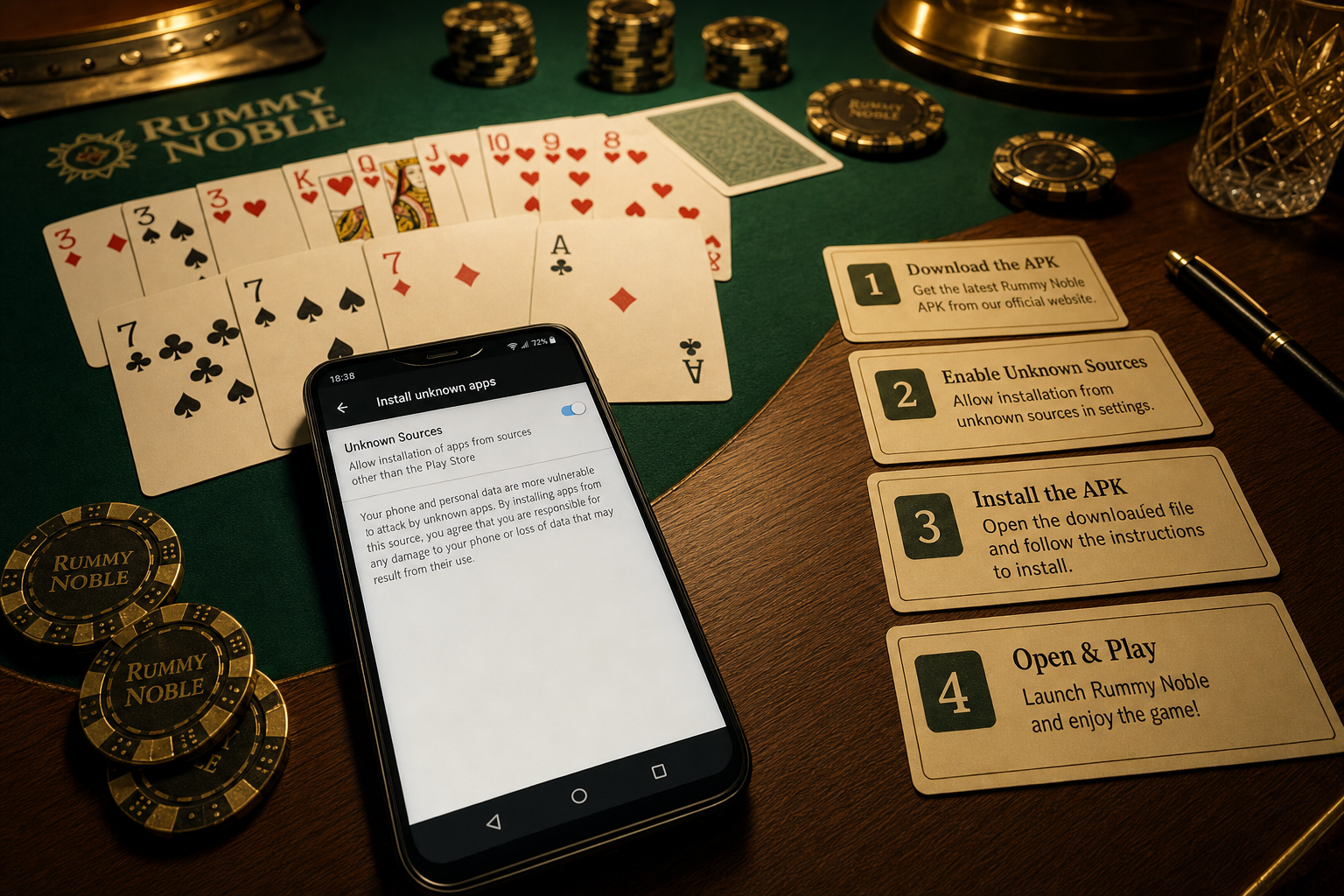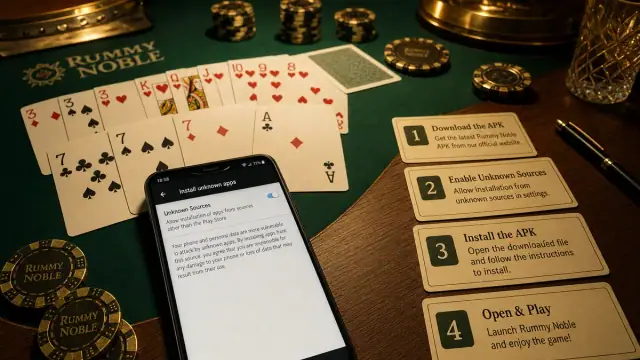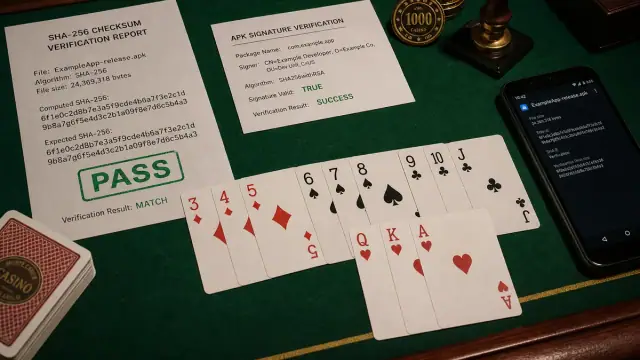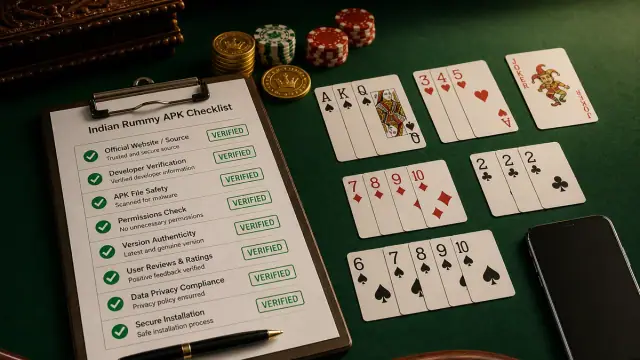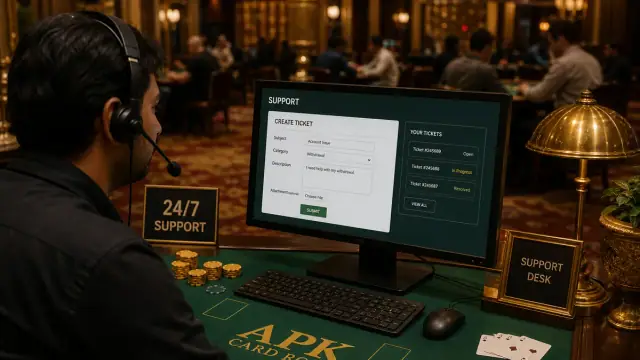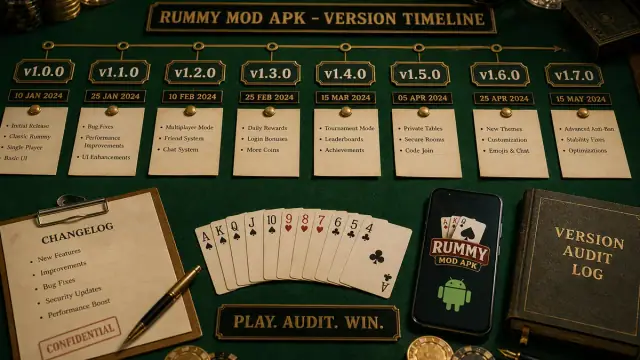
Install error desk for sideloaded Indian Rummy APK—not a cash-out or withdrawal desk.
Install error desk
Indian Rummy App Not Installed? Check These Causes First
“App not installed” can mean Android rejected a damaged APK, a conflicting installed package or certificate, low storage, an unsupported build, or a device/security policy. Capture the exact message first, then verify the file and package before deleting app data or weakening a safety setting.
Related queries: Rummy APK not installing · package conflict · parse error · not enough storage
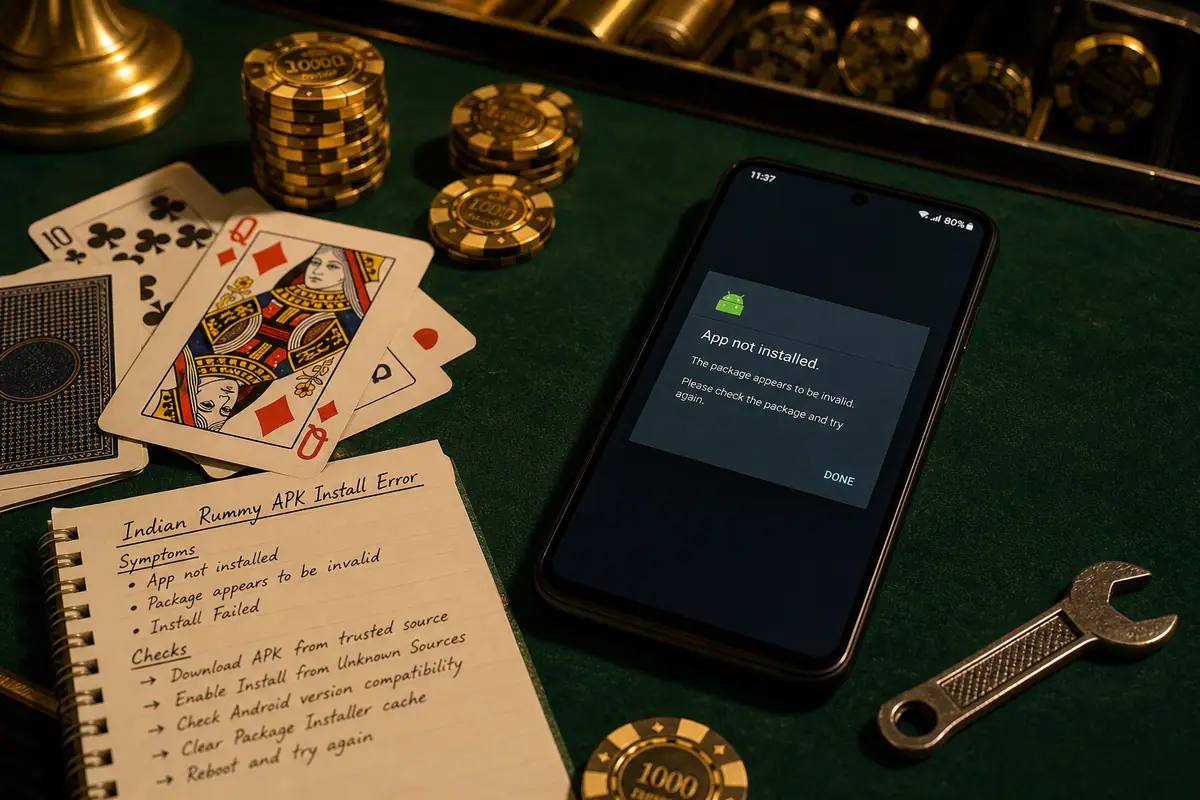
Error code matrix
| Message | Likely cause | Recovery |
|---|---|---|
| App not installed | Damaged, malformed or incorrectly signed APK | Re-download once, then compare file and SHA-256 |
| Parse error | Incomplete file or unsupported package format | Check file size, Android support and installer source |
| Conflict with existing package | Installed app uses a different certificate or package state | Back up needed data; update from the same signer or remove the conflict |
| Not enough storage | Internal storage or install working space is low | Free internal space, restart and retry once |
| Install blocked | Play Protect, device policy or source permission stopped it | Read the warning; verify source before changing any setting |
Recovery steps
- Record the error and Android version before changing anything.
- Verify the APK: compare the source route, file name, package identity, file size and checksum.
- Resolve one cause at a time: storage, incomplete file, package conflict or device policy.
- Protect existing data before uninstalling an older build; a certificate conflict cannot be fixed by repeated tapping.
- Retry only once after the relevant check. If Android shows a safety warning, stop and read it.
- Escalate with evidence through the support desk if the same message remains.
When to stop the install
- The package name, signer, file size or checksum does not match the source evidence.
- The file came from a chat attachment, shortened link or unknown mirror.
- Android or Play Protect reports a harmful-app or administrator-policy warning.
- The installer asks you to disable several protections without explaining why.
Android documents separate installer failure states for blocked installs, package conflicts, invalid packages and storage failures. Review the Android PackageInstaller reference before treating every message as the same problem.
Troubleshoot FAQ
Does clearing YONO SBI cache fix this?
No. Indian Rummy sideload errors are unrelated to banking or cash-out banking apps. Do not mix bank troubleshooting with APK install recovery.
Should I disable Play Protect or enable developer options?
No as a first fix. Read the warning, verify the source and package, and use the normal installer route. Developer options are unnecessary for a normal sideload.
Evidence worksheet before retry
This worksheet does not assert a package, version, signer or checksum. Fill it from the actual file and a publisher-owned source before retrying the install. No SBI affiliation, cash-out claims, or guaranteed-win language.
| Check | How to collect it | Stop condition |
|---|---|---|
| Source URL | Record the exact publisher-owned URL | Source is unavailable or redirects to an unknown host |
| Package / version / signer | Read them from the actual file | Any field differs from publisher evidence |
| SHA-256 | Compute the checksum locally | No publisher value exists for comparison |
| Device / error | Record model, OS, ABI and exact installer message | A warning would need to be bypassed |
If the issue persists, capture screenshots of the home screen, error toast, and Settings → Apps → Indian Rummy storage. Open the support desk with device model and Android version. Never share OTPs, UPI PINs, or bank passwords in tickets.
Boundary note: RummyAppBonus provides a verification method, not publisher-owned file facts. Operator terms, permissions and local law can change; stop if the source evidence is missing or different.
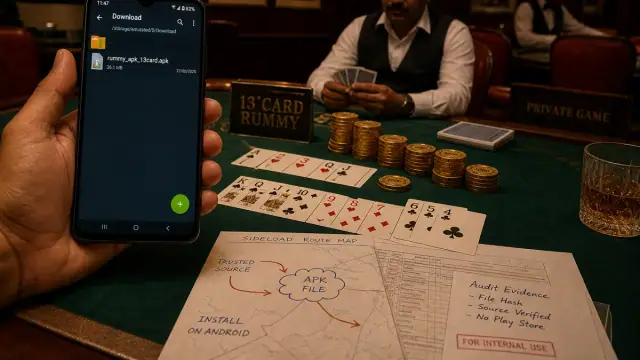
Android verification image set
Each visual keeps the page in an APK source-check lab: Android screen, package route, signature cues and rummy context.