Installer source
“Allow from this source”: what is the difference between Chrome and Files?
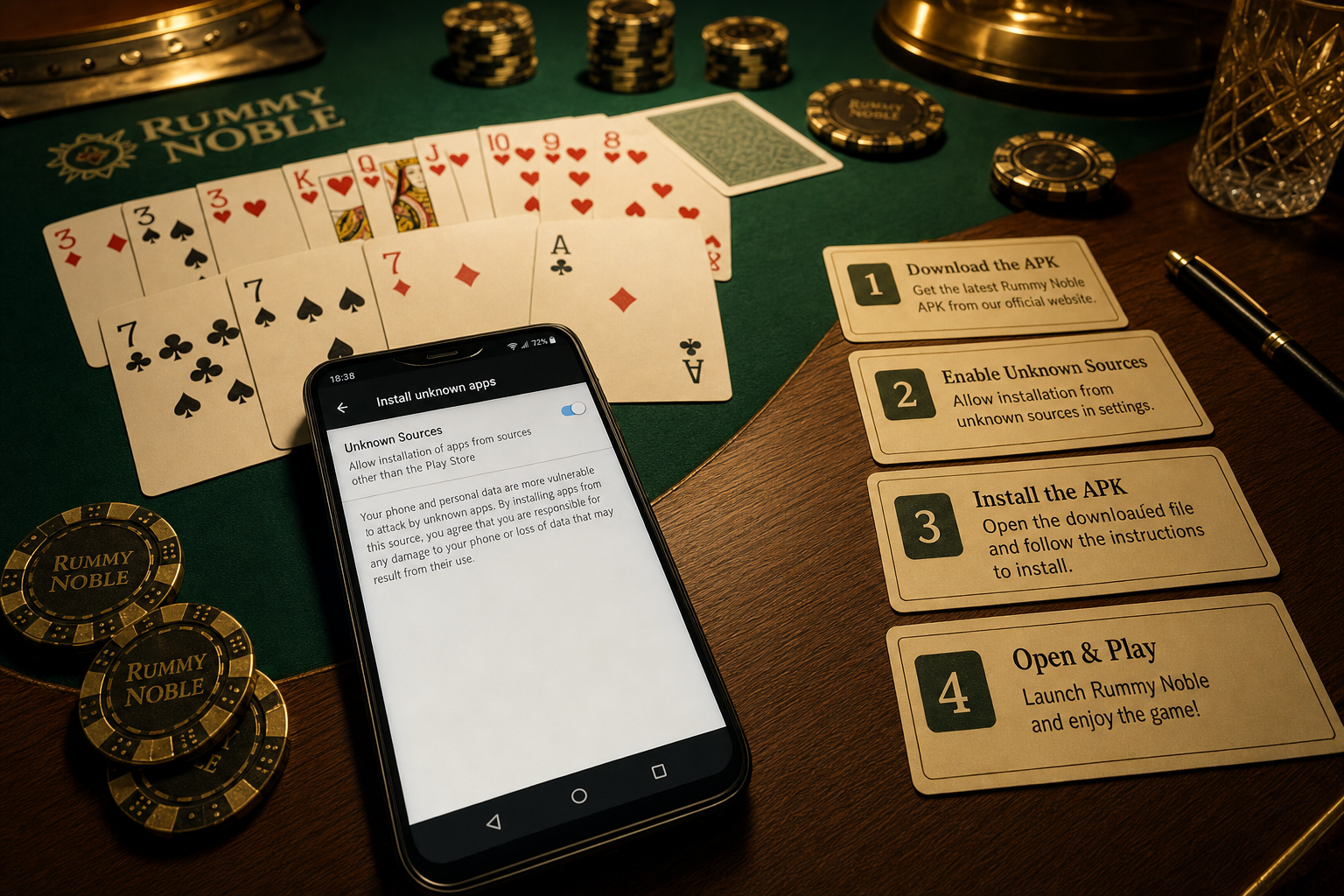
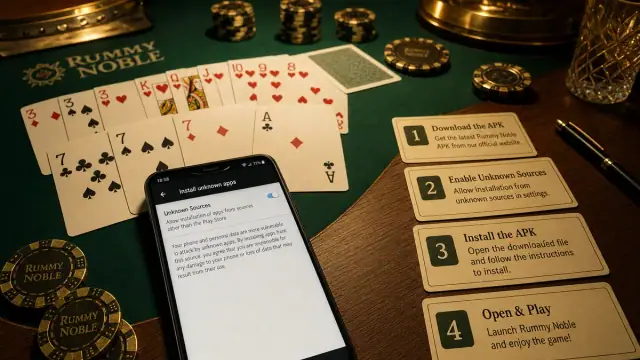
Modern Android associates unknown-app install permission with the app that hands the APK to the package installer.

Direct answer: If you open the downloaded Rummy APK directly from Chrome, Android treats Chrome as the requesting source. If you later open the same file from Files, Files is the source and has a separate permission state. Grant access only for the verified route you are intentionally using, then review or remove it after installation.
Source-app comparison
| You open the APK from | Android checks permission for | Evidence to review |
|---|---|---|
| Chrome download panel | Chrome | Final HTTPS URL and download record |
| Files or My Files | That file-manager app | Exact folder, filename, size, checksum |
| Messaging app attachment | Messaging app | Stop; sender is not publisher proof |
| Work profile browser | Managed source app | Administrator policy |
Why the permission is per source
Android does not create one global “trust every APK” switch in this flow. The source app receives the ability to request installs. That limits which pathway can hand packages to the installer. It does not certify every future file downloaded through that app, so each APK still needs its own publisher and integrity checks.
Safe install decision
- Start at the expected HTTPS publisher route.
- Confirm filename, size, version, package, and published checksum.
- Open the file from the same source app whose route you verified.
- Read the Android confirmation screen and requested permissions.
- Afterward, review whether that source app still needs install access.
Common confusion
You may allow Chrome, close it, and then tap the file in Files. Android can ask again because Files is now making the install request. This is normal source separation, not proof that the first setting failed. Return to the verified route instead of enabling every browser and file manager.
Source permission is not file verification
| Check | Question answered |
|---|---|
| Allow from this source | May this app request a package install? |
| HTTPS and domain review | Where did the download come from? |
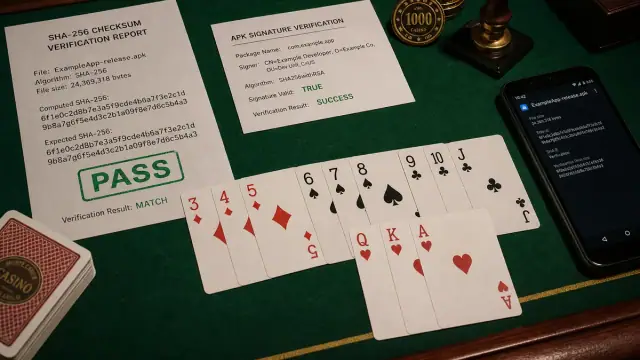
| SHA-256 | Does this file match a published digest? |
| Signature continuity | Is the update signed consistently? |
| Permission review | What access will the installed app request? |
Stop conditions
Do not allow a messaging app, remote-support app, unknown file manager, or work-profile tool merely because someone says it is required. Never grant Accessibility, Device Admin, screen sharing, SMS, or notification access as a substitute for the installer permission. On a managed phone, ask the administrator rather than moving the file to a personal profile.
Source
Android Developers’ alternative distribution guide explains user opt-in for installing apps from unknown sources. Settings names vary by manufacturer and Android version.