Android 15 compatibility
Why does Android 15 block an APK built for an older Android version?
Target SDK tells Android which security and behavior generation the developer designed and tested the app against.
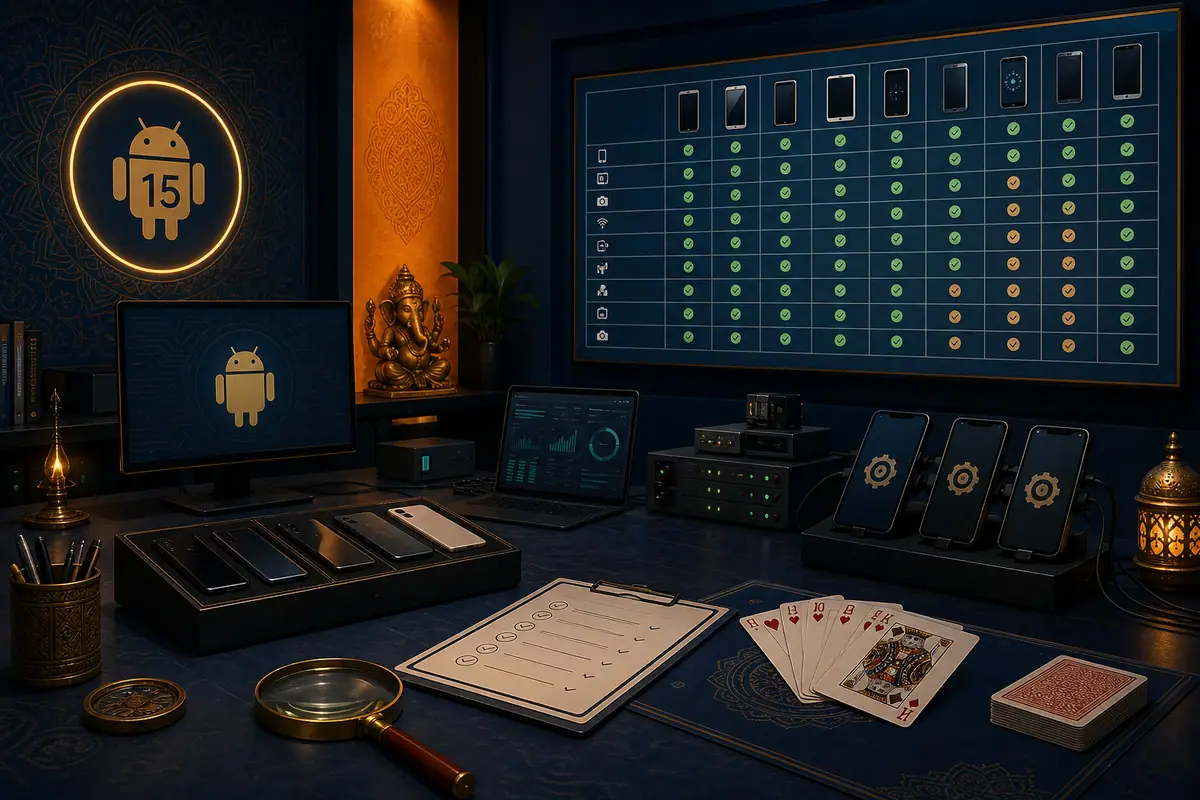
Direct answer: Android 15 blocks installation of apps targeting very old Android versions because those apps may not follow newer privacy and security protections. If the Rummy APK triggers this message, stop and request a current publisher-signed build with a supported target SDK. Do not use command-line, modified-installer, or downgrade tricks to bypass the block.
Target SDK is not the same as minimum Android
| Field | What it describes | What it does not prove |
|---|---|---|
| minSdkVersion | Oldest Android API the app claims to run on | Current security design |
| targetSdkVersion | Android behavior generation the app targets | That every device is compatible |
| versionCode | Internal update ordering | Target SDK or publisher identity |
| Signature | Signing continuity | Whether the target is current |
Recognize the correct warning
Save the full wording. An Android 15 message that the app was built for an older version differs from “App not installed,” a Play Protect detection, an ABI mismatch, or a work-admin restriction. Do not apply one error’s fix to another. The exact message, device model, Android build, and APK version are the useful evidence.
Safe response sequence
- Cancel the install rather than repeatedly retrying.
- Confirm Android 15 and the current security update in system information.
- Record the APK package/version shown by the expected publisher route.
- Ask the publisher for a newly built, signed, and tested release that supports Android 15.
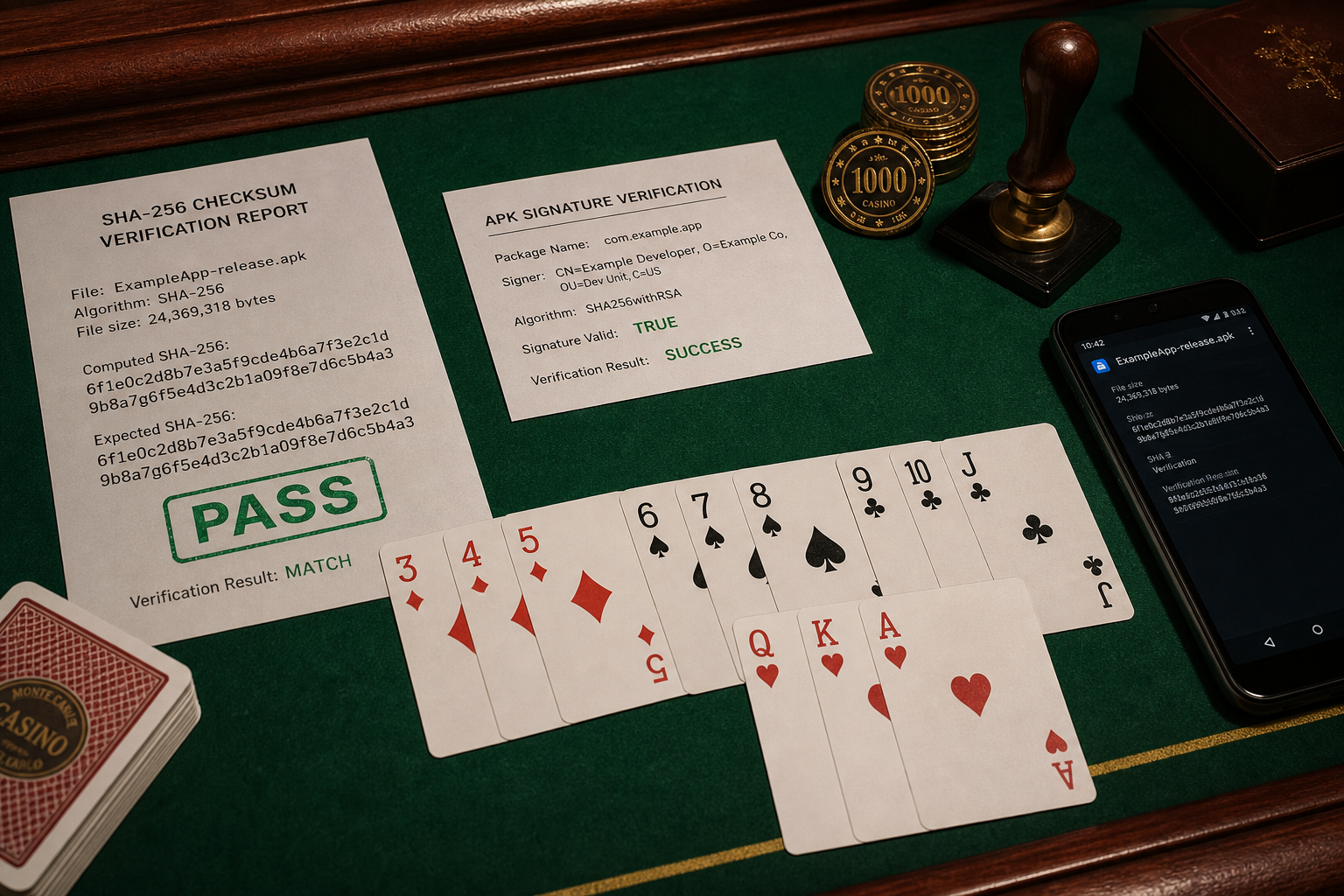
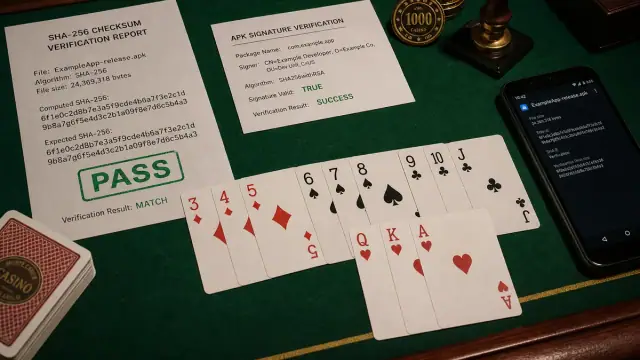
- Verify signature continuity and checksum before considering the replacement.
Why bypass instructions are not a compatibility fix
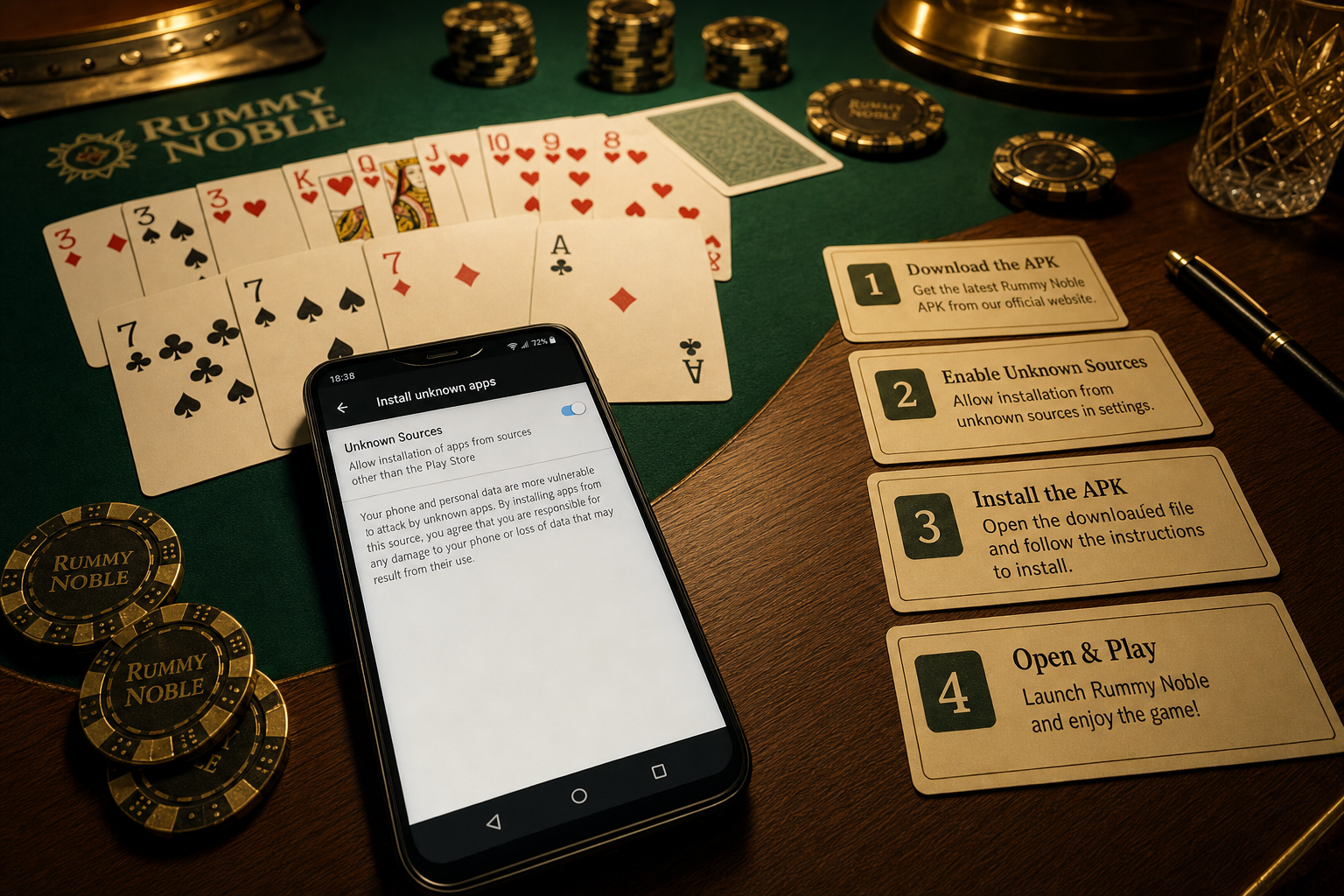
Forcing an old-target app past an install safeguard does not update its permission model, storage behavior, background restrictions, or code. It only removes one gate. This site therefore does not provide ADB flags, patched installers, system downgrades, or hidden advanced-flow instructions.
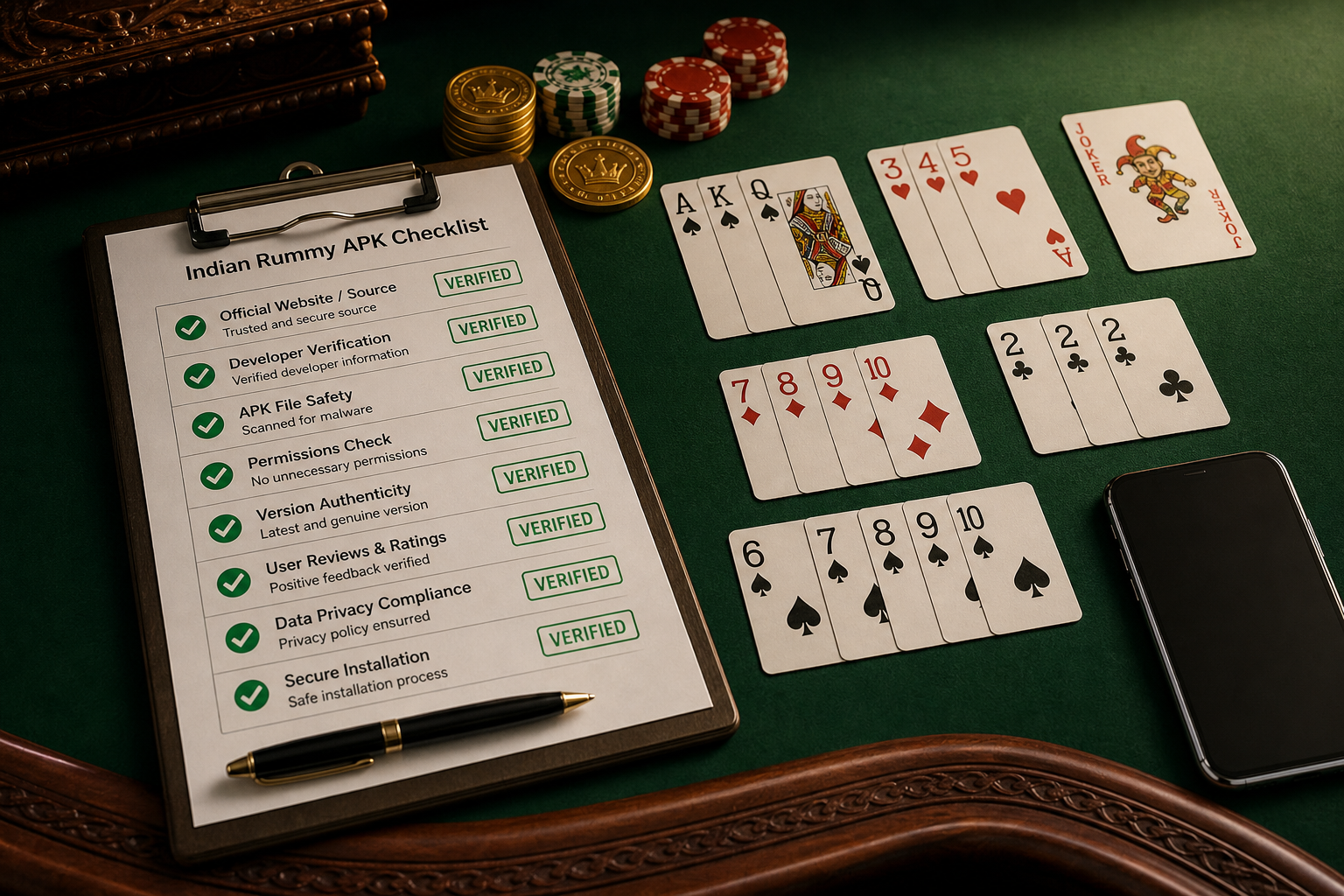
Update evidence table
| Publisher evidence | What to verify |
|---|---|
| Release notes | Explicit Android 15 support and date |
| Package name | Matches the established app family |
| Signing evidence | Continuity with the trusted previous build |
| Checksum | Matches the exact downloaded file |
| Permissions | No unexplained expansion |
If no current build exists
Do not substitute a file from a forum, chat group, or mirror claiming to have “unlocked Android 15.” Keep the old installer off the new phone and use the publisher’s support route. A personal entertainment app is not worth weakening device protections or losing update integrity.
Source
Android Developers’ Android 15 behavior changes documents the minimum installable target API change. The publisher must supply the app-specific compatibility statement.