Publisher identity
Android says the APK developer is not verified in 2026: what should you do?
Treat the message as an identity and distribution check, not as a prompt to search for a hidden continue route.
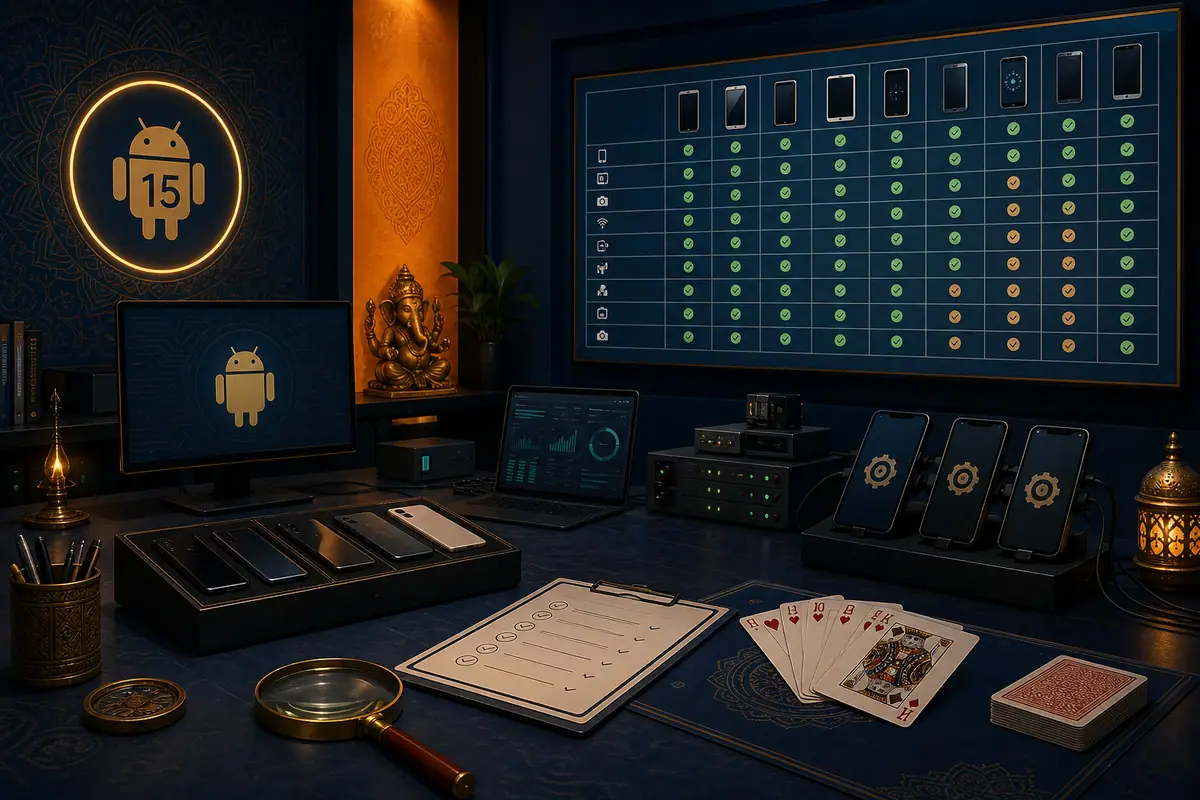
Direct answer: Stop before installing. A “developer not verified” message means Android cannot confirm the developer through the applicable verification path. Check the exact publisher name, package, download domain, signature evidence, and support contact. If the publisher cannot provide a clear official route, do not use an advanced flow, mirror, modified installer, or someone else’s registration.
Record the exact context
| Evidence | Why it matters |
|---|---|
| Full warning screenshot | Separates verification from Play Protect or policy errors |
| Android version and security patch | Identifies the platform behavior |
| Publisher name shown | Can be compared with the expected entity |
| Package and APK version | Distinguishes the app family and release |
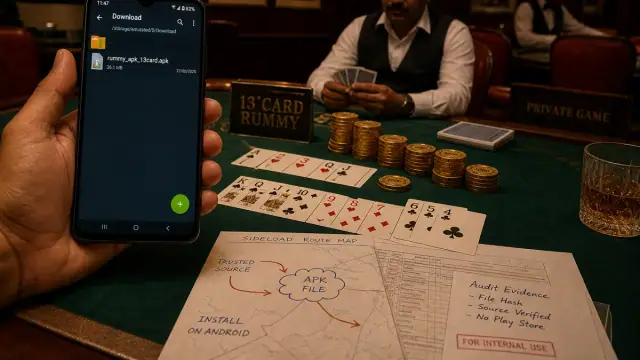
| Final download URL | Shows the actual distribution route |
Identity checks must agree
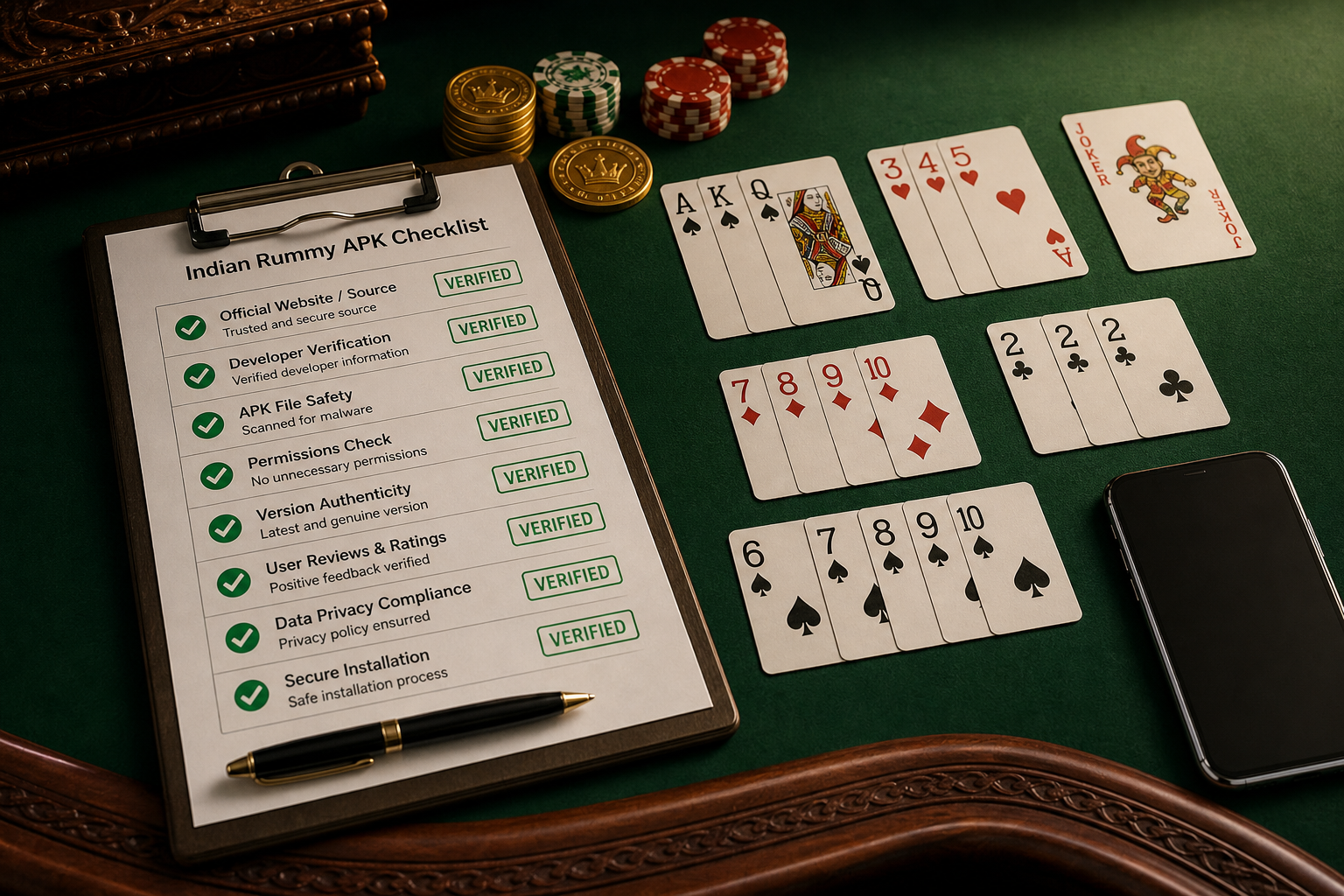
- The site domain and support page identify the same publisher.
- The package name matches the established app family.
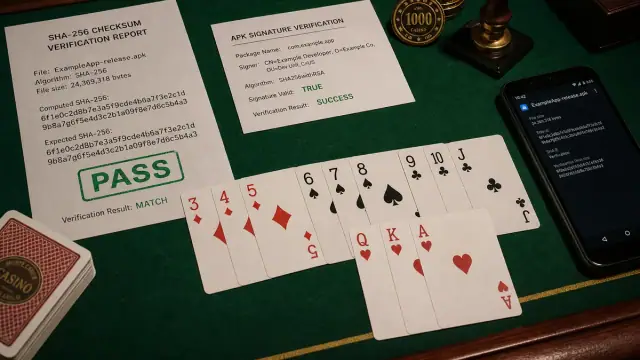
- The APK signature is consistent with a trusted previous release when it is an update.
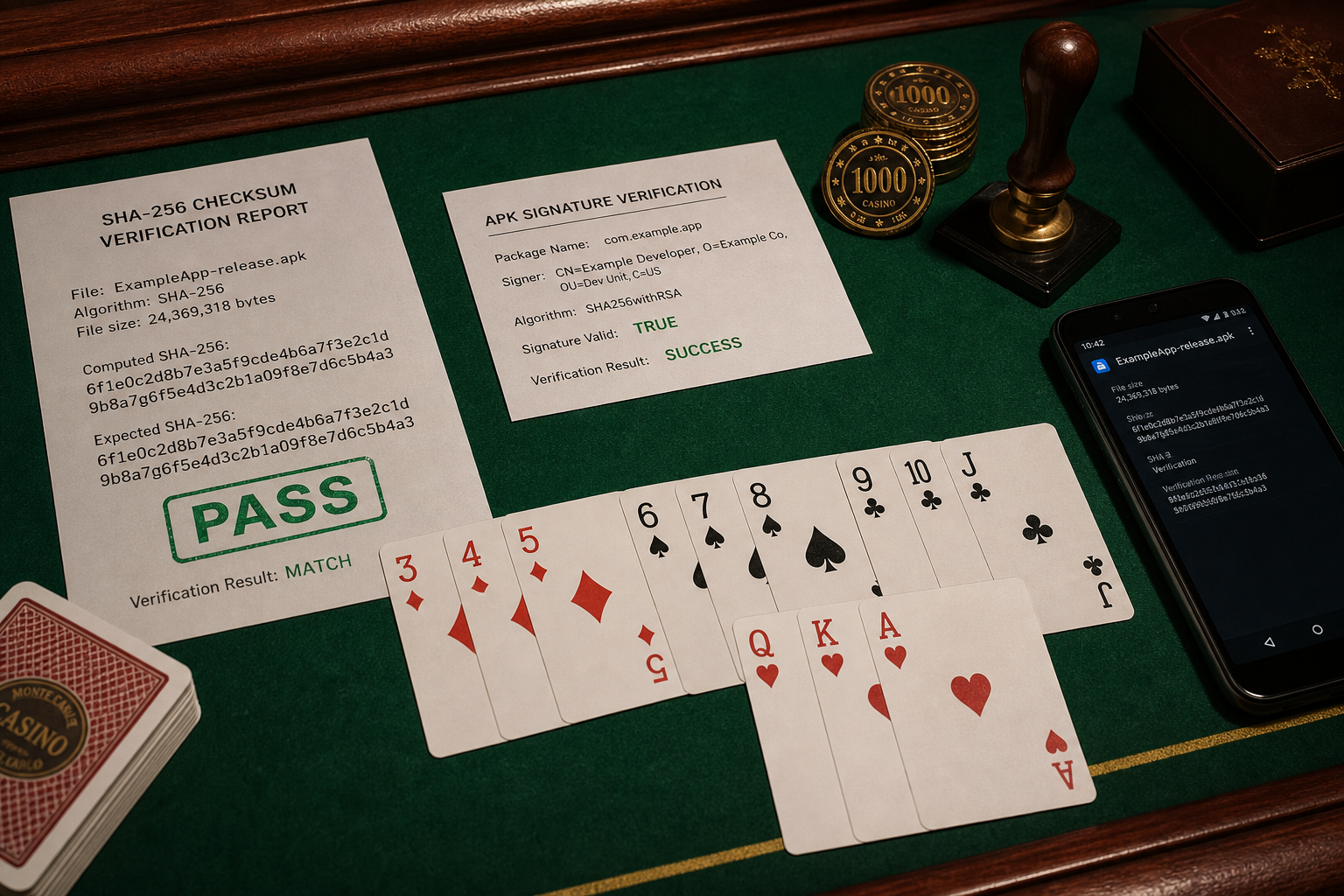
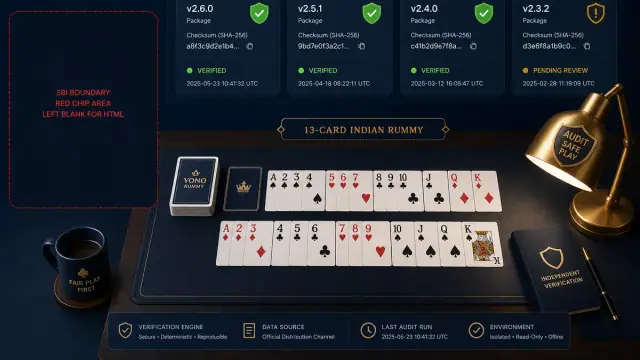
- The checksum matches an independently published value for that exact file.
- The permissions and purpose match the stated social-card-game features.
What the warning does and does not say
The message is not a technical review of game quality and it is not proof of a cash reward, bank relationship, or legal status. It is also not a reason to trust a person who offers to “verify” the file through chat. It indicates that the developer verification requirement was not satisfied in the current path.
Unsafe responses to reject
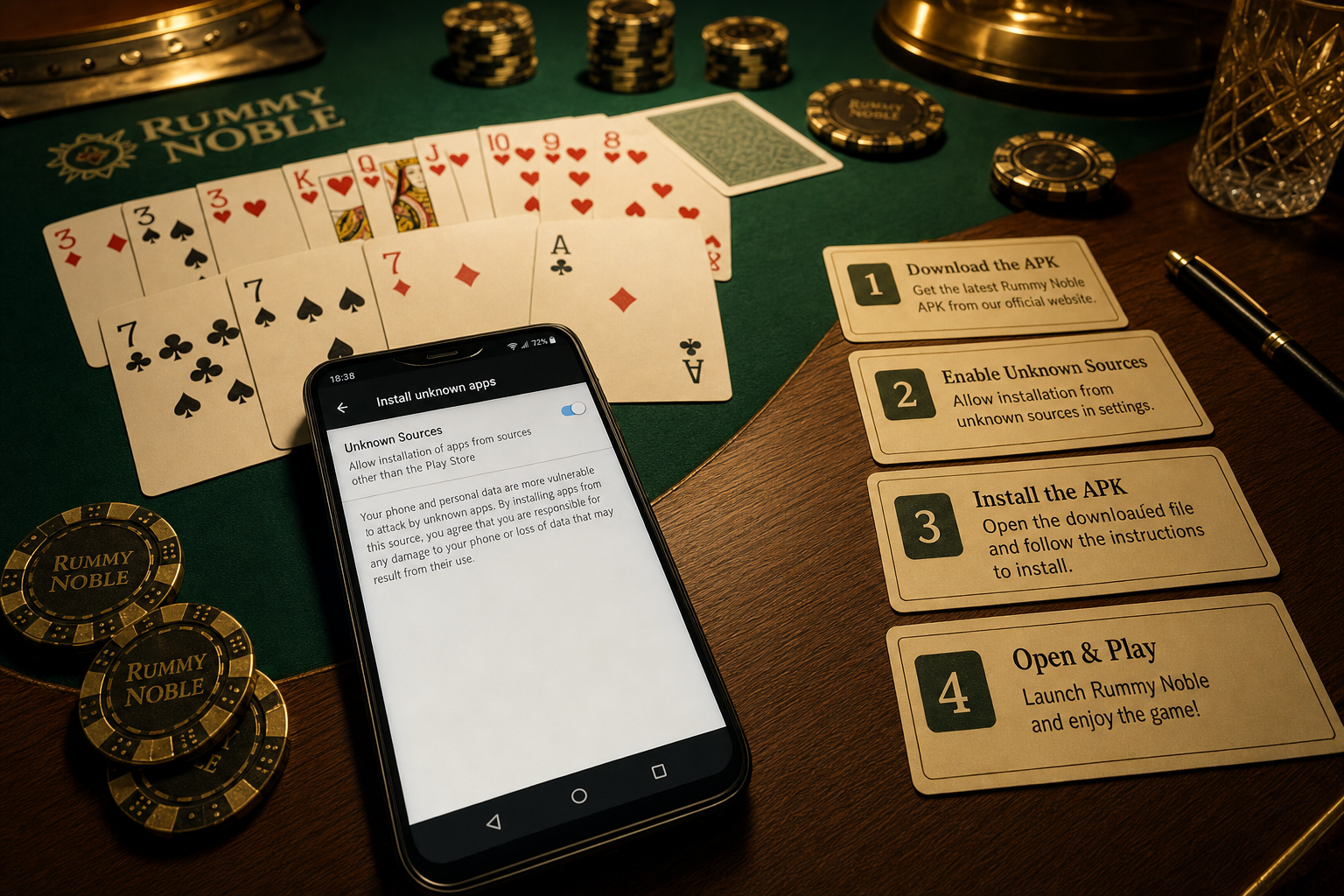
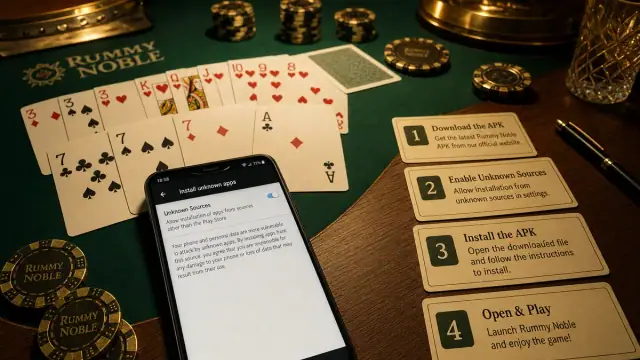
- Using an advanced or hidden flow solely to get past the warning.
- Installing a re-signed copy that claims to remove verification.
- Borrowing another developer’s identity, account, or registration.
- Disabling Play Protect, Auto Blocker, device management, or other safeguards together.
- Sharing OTPs, ID documents, passwords, or payment details with an installer helper.
Publisher support questions
Ask which legal developer entity owns the package, where its verified distribution link is published, whether the exact package/version is covered, and how its signature or checksum can be checked. A legitimate answer should not require remote control of your device or secrecy about the package origin.
If the message remains
Keep the app uninstalled. Delete only the unverified download after recording its file details, and retain the warning for support. Wait for the publisher to complete the required process or provide a recognized distribution route. This is safer than cycling through browsers, mirrors, or alternate profiles.
Source
Android Developers’ verification FAQ explains the developer verification program and related distribution questions. Availability and enforcement can vary by device, market, and rollout stage.