Tablet display checks
Indian Rummy APK on an Android tablet: screen-layout checks
A tablet can install an APK and still expose unreadable cards, clipped controls or a broken orientation state. Validate the layout separately from installation.
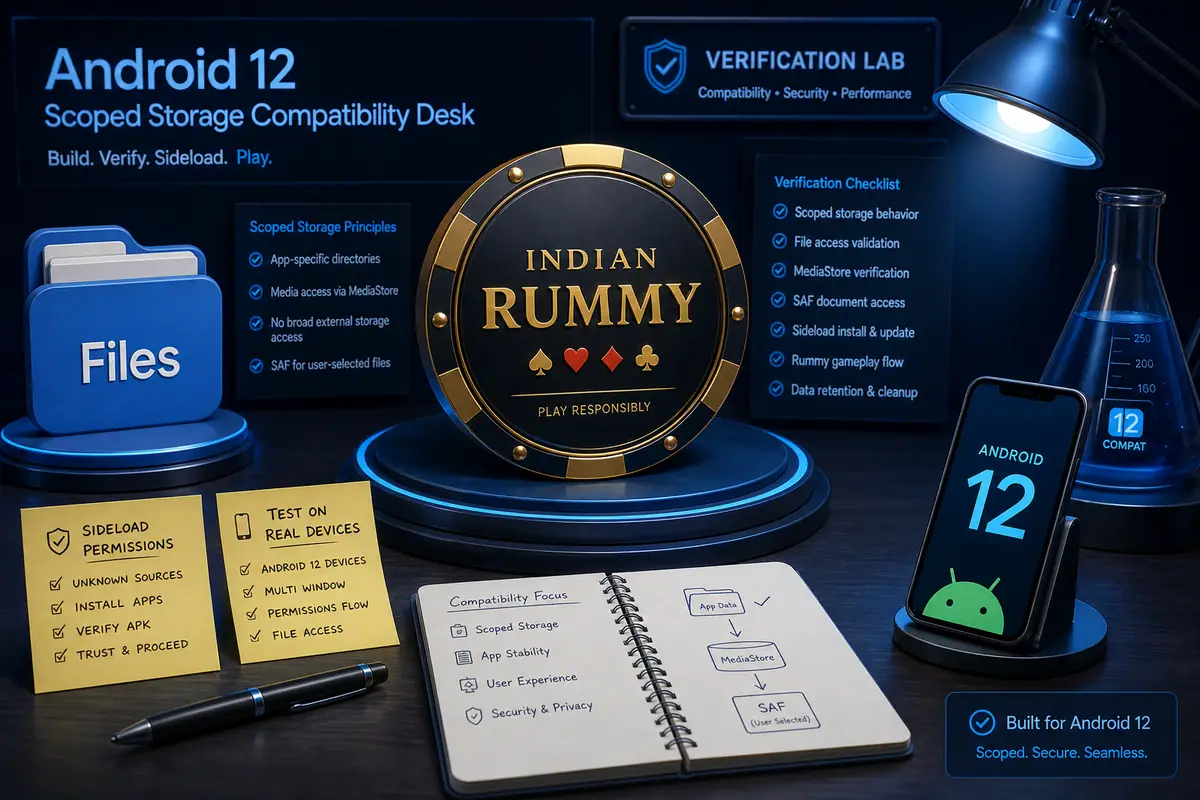
Direct answer: Check Android version and APK evidence first, then test portrait and landscape on the actual tablet. Look for a complete 13-card hand, visible draw/discard controls, readable text, safe insets and touch targets that do not sit under the system navigation area.
Tablet layout test
- Record tablet model, Android release, display size and orientation lock before opening the app.
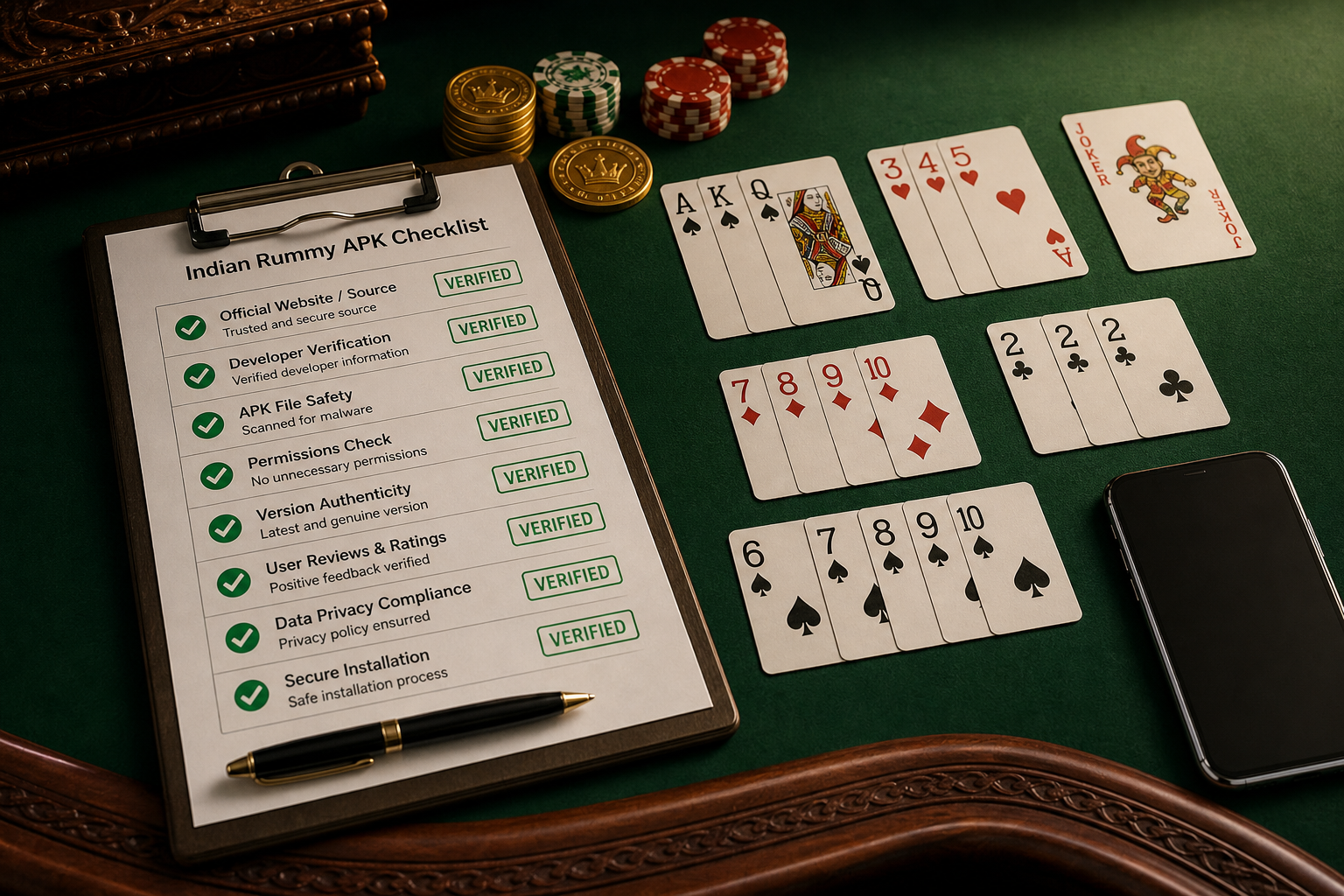
- Complete the source and package checks in the tablet compatibility guide.
- Open a non-cash practice table and inspect all 13 cards without zooming or horizontal clipping.
- Rotate once if the app allows it. Check that draw, discard, sort and declare controls remain reachable.
- Test larger text or display scaling only after recording the default result; scaling can expose layout defects.
What a phone result cannot prove
Phone compatibility does not prove tablet layout quality. Different aspect ratios, split-screen rules, touch density and safe areas can change the UI. If a control is clipped, capture the model, orientation and screen scale for support.
Related help
For a small handset, use the cards or buttons not visible guide. For language readability, see Hindi language settings.