Android install control
“Install unknown apps” is greyed out on Android: what should you check first?
A disabled switch often means another policy or device owner controls the source-app permission.
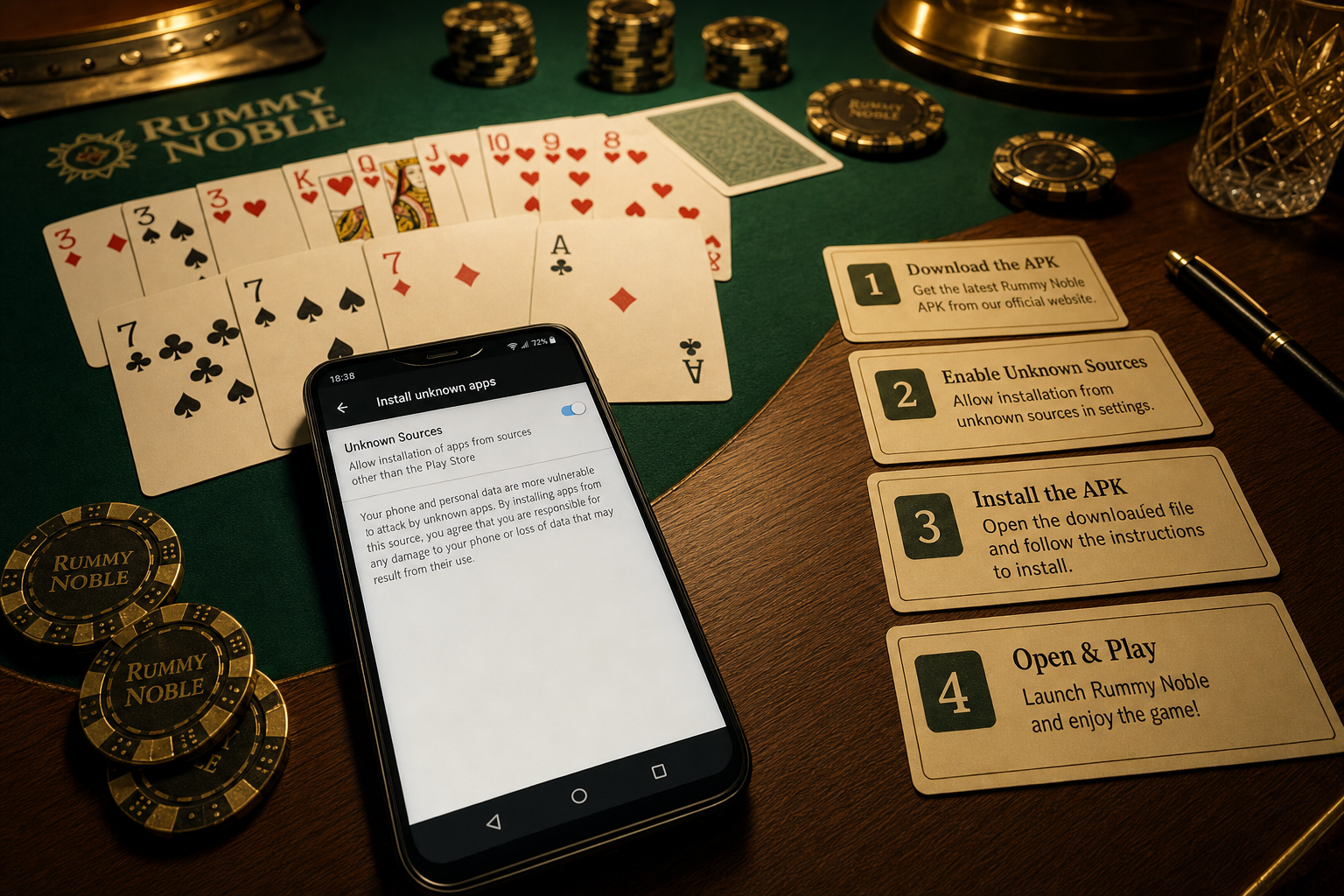
Direct answer: First check who owns and manages the phone. Work Profile, Device Policy, parental controls, supervised accounts, or manufacturer security settings can disable “Install unknown apps.” Identify the controlling policy and source app, then ask the administrator or guardian. Do not use ADB, root, resets, app cloners, or alternate profiles to bypass it.
Possible controllers
| Signal | Possible controller | Next step |
|---|---|---|
| Briefcase icon or work tab | Work Profile | Ask organization admin |
| “Blocked by admin” message | Device Policy | Follow managed-device policy |
| Supervised child account | Parental controls | Ask the family manager |
| Samsung Auto Blocker named | Manufacturer protection | Read Samsung support guidance |
| Switch available for another app | Per-source permission | Check which app opened the APK |
Remember: permission is per source app
Chrome, Files, a manufacturer file manager, and a messaging app can each have a different state. If Chrome has permission but you open the file from Files, Android checks Files. Do not enable every source; return to the one verified download route and review why it needs install access.
Safe diagnostic order
- Capture the greyed setting and any administrator text.
- Confirm whether the phone is personal, work, school, shared, or supervised.
- Identify the exact browser or file manager requesting the install.
- Review Work Profile, parental, and manufacturer protection indicators.
- Ask the policy owner before making changes.
- Only on an authorized personal device, continue with source and APK verification.
Why a factory reset is not a normal fix
A reset can erase personal data and may not remove enterprise enrollment, account supervision, or manufacturer controls. Resetting an organization-owned phone can also violate policy. The grey switch is evidence to investigate, not a reason to destroy device state.
Do not follow these “unlock” suggestions
- Remove Device Admin, management certificates, or Work Profile without authorization.
- Use developer commands, root, patched Settings apps, or hidden menus.
- Send the APK through chat to make a different app the source.
- Change accounts, users, or private spaces to evade supervision.
- Give remote-control access to someone who promises to enable the switch.
After authorization on a personal device
A usable switch is only one install condition. Verify the publisher domain, package name, version, signer, checksum, device compatibility, and requested permissions. Turn the source access back off later if that browser or file manager no longer needs to request installations.
Source
Android Developers’ alternative distribution guide covers user opt-in for unknown sources, while managed-profile documentation explains administrator control. Manufacturer labels may differ.