Download route
Rummy app download: Android source checks before install
A Rummy app download should start with a clean source route, not with a forwarded APK file or a promise of instant wallet value.

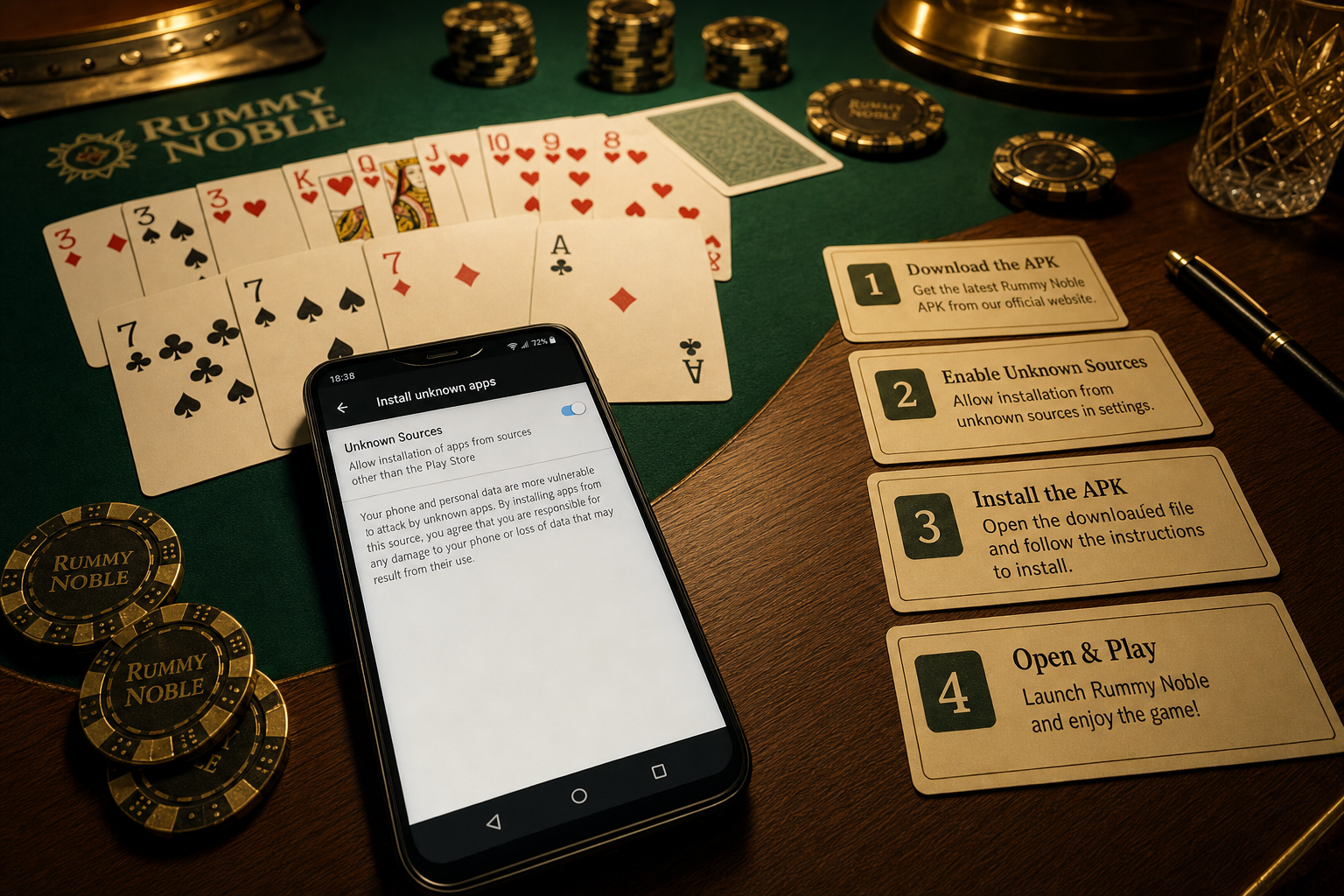
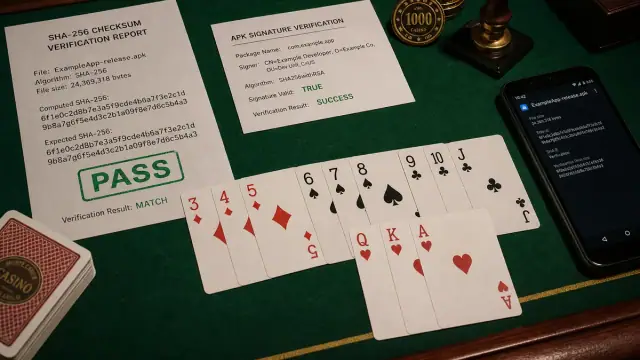
Direct answer: Download a Rummy APK only from the publisher-evidence check, check package name and file size, keep the version screen evidence, then install from Android Files after reading the permissions prompt.
Clean download sequence
- Open the download page from the site route, not from a copied short link.
- Save the APK once on stable Wi-Fi and avoid duplicate partial files.
- Compare file name, version and size with the page notes.
- Use Android Files to install so the permission prompt is clear.
- After install, save the app version and support route before account login.
What not to trust
Reject mirror pages that mix APK download with guaranteed winnings, UPI PIN requests, bank-password language or mod claims. A source guide should help you verify the app package; it should not pressure you into sharing identity or payment secrets.
When to pause
If the package name changes, the file is much smaller than expected, Android warns about a conflicting signature, or the page hides support details, stop and document the issue before retrying.